What is matchmoving, and why can one inaccurate camera track make an otherwise polished VFX shot feel wrong?
What is matchmoving is best understood as a practical production question. The answer depends on the goal, the quality of the input, and the evidence needed at delivery. This guide explains the process for film producers, directors, VFX supervisors, and post-production teams without treating software or equipment as a substitute for planning.
The useful outcome is a stable virtual camera and scene alignment that lets digital objects share the photographed camera movement. The following sections cover the core workflow, the decisions that change cost and quality, and the checks that prevent avoidable revisions. For related examples and services, explore Mimic VFX and its current project guidance.
Table of Contents
What Is Matchmoving in VFX?
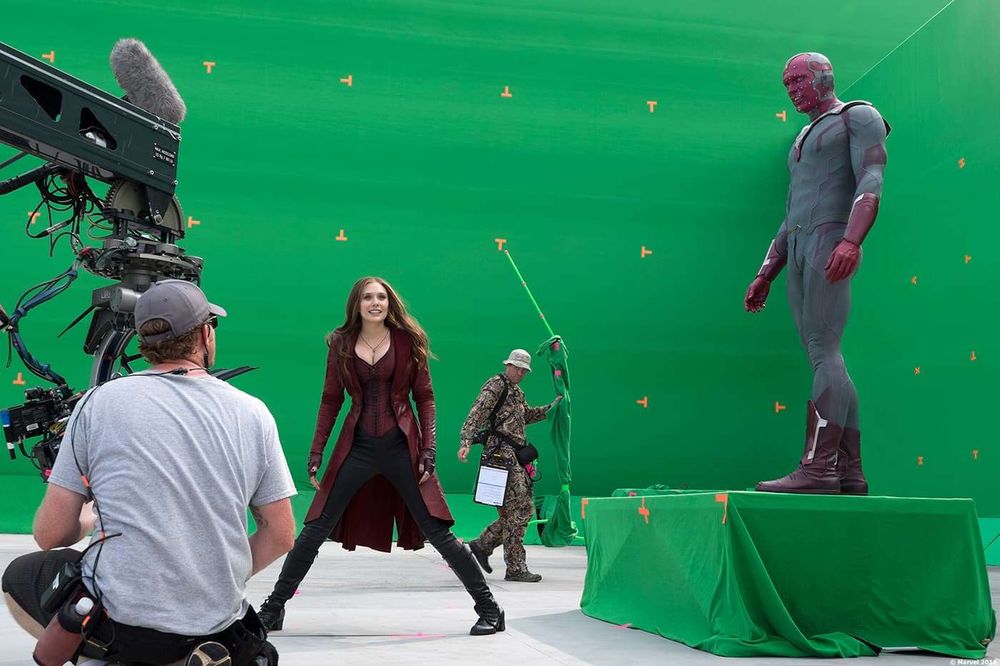
What Is Matchmoving in VFX? starts with the job the work must do. For film producers, directors, VFX supervisors, and post-production teams, that means defining the decision, behaviour, or visible result before choosing tools. In matchmoving, the practical scope includes definition, camera reconstruction, coordinate space, and why the track must agree with the photographed plate. Each part should connect to a requirement that can be reviewed, not a vague request for a more advanced or more impressive result.
A reliable workflow separates inputs, working assumptions, production steps, and review evidence. The team records what came from the client, what was measured or observed, what was created, and which checks support approval. This structure makes revisions easier to diagnose. It also lets another artist, engineer, teacher, or producer understand why a choice was made instead of repeating the work from the beginning.
The common failure is to optimise one visible detail while ignoring the system around it. A polished output can still fail when timing, scale, continuity, context, accessibility, or delivery requirements are wrong. Teams should test the work in the environment where it will be used, record specific problems, and assign fixes to the right stage. Late cosmetic changes cannot repair a weak brief or missing source information. See a related Mimic VFX guide for a connected production example.
For planning, turn this section into a short checklist: confirm the intended user, list the source material, name the owner of each approval, define the output format, and agree on one test that would reveal a bad result. Review early samples before scaling the process. This protects the schedule and keeps effort focused on a stable virtual camera and scene alignment that lets digital objects share the photographed camera movement.
How Does the Matchmoving Process Work?
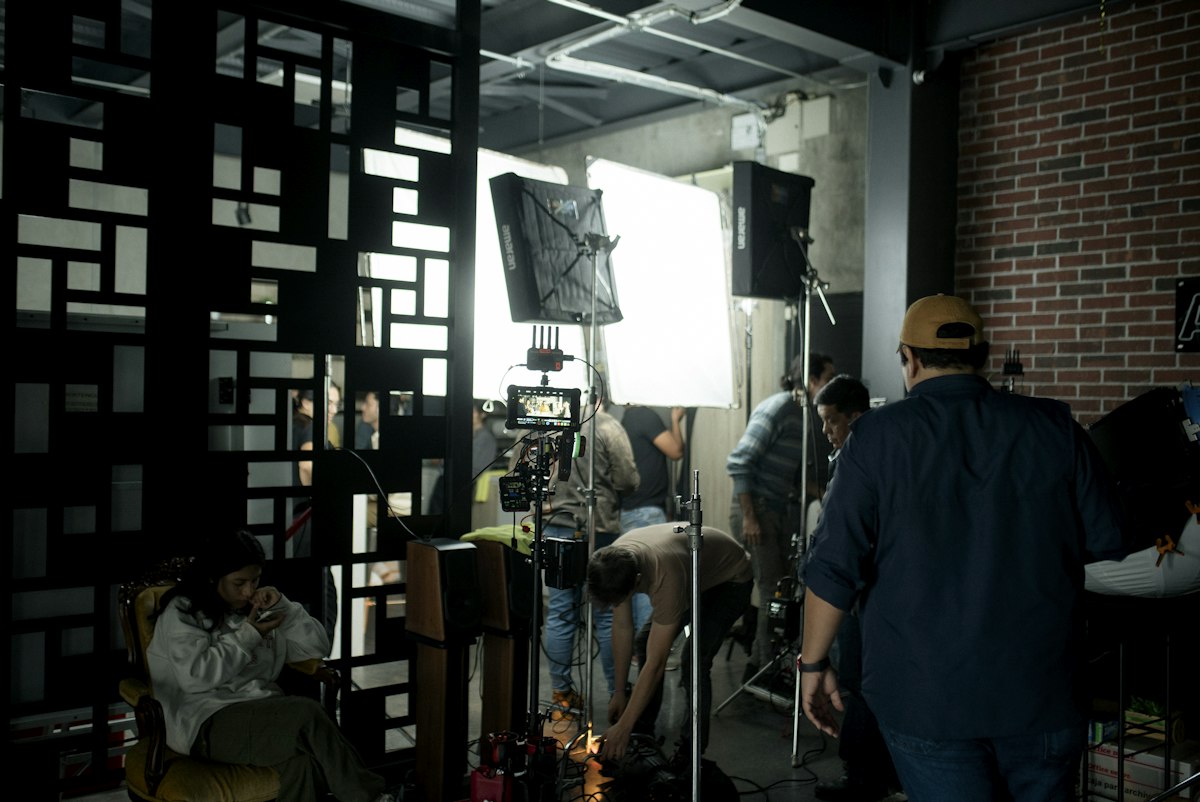
How Does the Matchmoving Process Work? starts with the job the work must do. For film producers, directors, VFX supervisors, and post-production teams, that means defining the decision, behaviour, or visible result before choosing tools. In matchmoving, the practical scope includes lens information, feature tracks, camera solves, survey data, geometry, scale, and artist-led cleanup. Each part should connect to a requirement that can be reviewed, not a vague request for a more advanced or more impressive result.
A reliable workflow separates inputs, working assumptions, production steps, and review evidence. The team records what came from the client, what was measured or observed, what was created, and which checks support approval. This structure makes revisions easier to diagnose. It also lets another artist, engineer, teacher, or producer understand why a choice was made instead of repeating the work from the beginning.
The common failure is to optimise one visible detail while ignoring the system around it. A polished output can still fail when timing, scale, continuity, context, accessibility, or delivery requirements are wrong. Teams should test the work in the environment where it will be used, record specific problems, and assign fixes to the right stage. Late cosmetic changes cannot repair a weak brief or missing source information. See a related Mimic VFX guide for a connected production example.
For planning, turn this section into a short checklist: confirm the intended user, list the source material, name the owner of each approval, define the output format, and agree on one test that would reveal a bad result. Review early samples before scaling the process. This protects the schedule and keeps effort focused on a stable virtual camera and scene alignment that lets digital objects share the photographed camera movement.
What Data Does a Matchmove Artist Need?
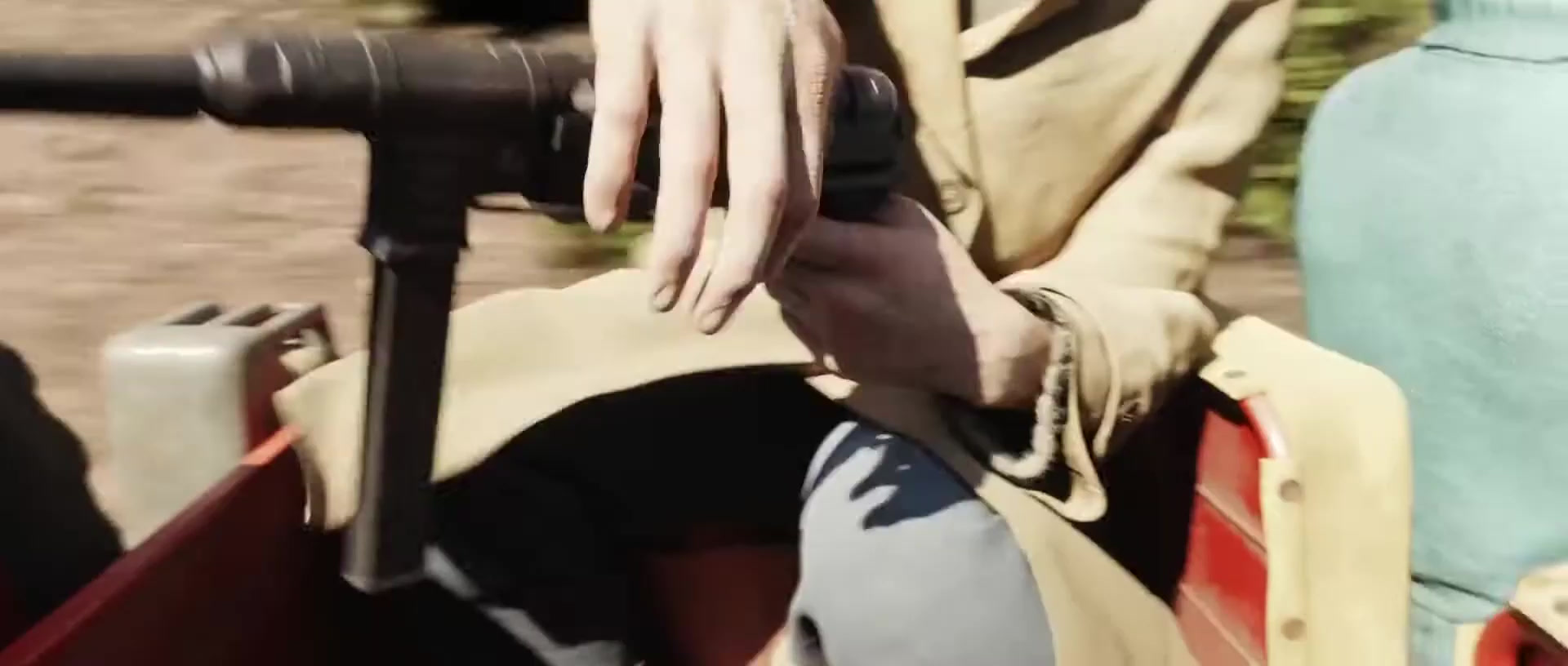
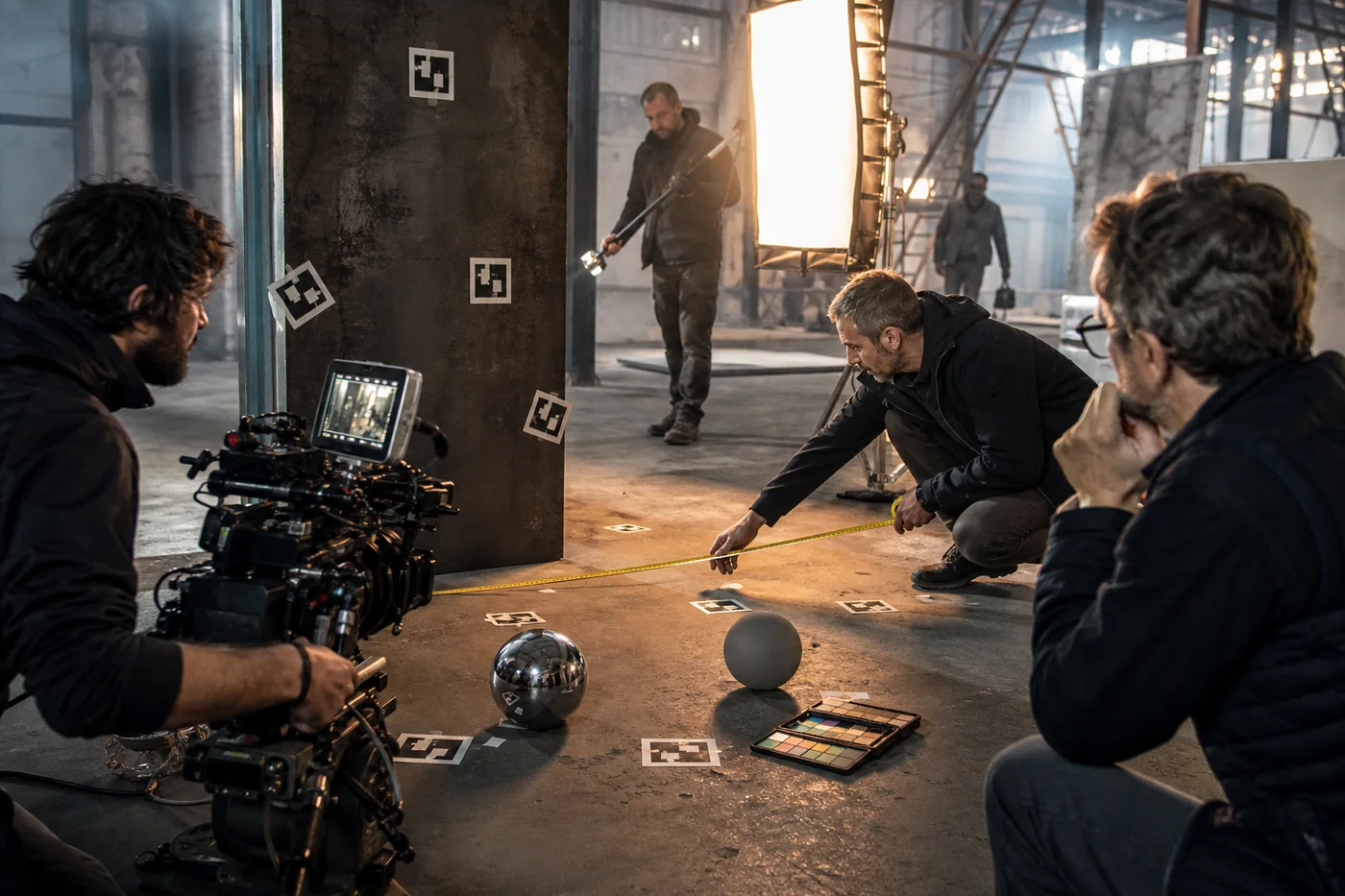
What Data Does a Matchmove Artist Need? starts with the job the work must do. For film producers, directors, VFX supervisors, and post-production teams, that means defining the decision, behaviour, or visible result before choosing tools. In matchmoving, the practical scope includes original plates, frame ranges, lens grids, camera reports, sensor data, set measurements, and reference photography. Each part should connect to a requirement that can be reviewed, not a vague request for a more advanced or more impressive result.
A reliable workflow separates inputs, working assumptions, production steps, and review evidence. The team records what came from the client, what was measured or observed, what was created, and which checks support approval. This structure makes revisions easier to diagnose. It also lets another artist, engineer, teacher, or producer understand why a choice was made instead of repeating the work from the beginning.
The common failure is to optimise one visible detail while ignoring the system around it. A polished output can still fail when timing, scale, continuity, context, accessibility, or delivery requirements are wrong. Teams should test the work in the environment where it will be used, record specific problems, and assign fixes to the right stage. Late cosmetic changes cannot repair a weak brief or missing source information. See a related Mimic VFX guide for a connected production example.
For planning, turn this section into a short checklist: confirm the intended user, list the source material, name the owner of each approval, define the output format, and agree on one test that would reveal a bad result. Review early samples before scaling the process. This protects the schedule and keeps effort focused on a stable virtual camera and scene alignment that lets digital objects share the photographed camera movement.
What Makes a Matchmove Difficult?
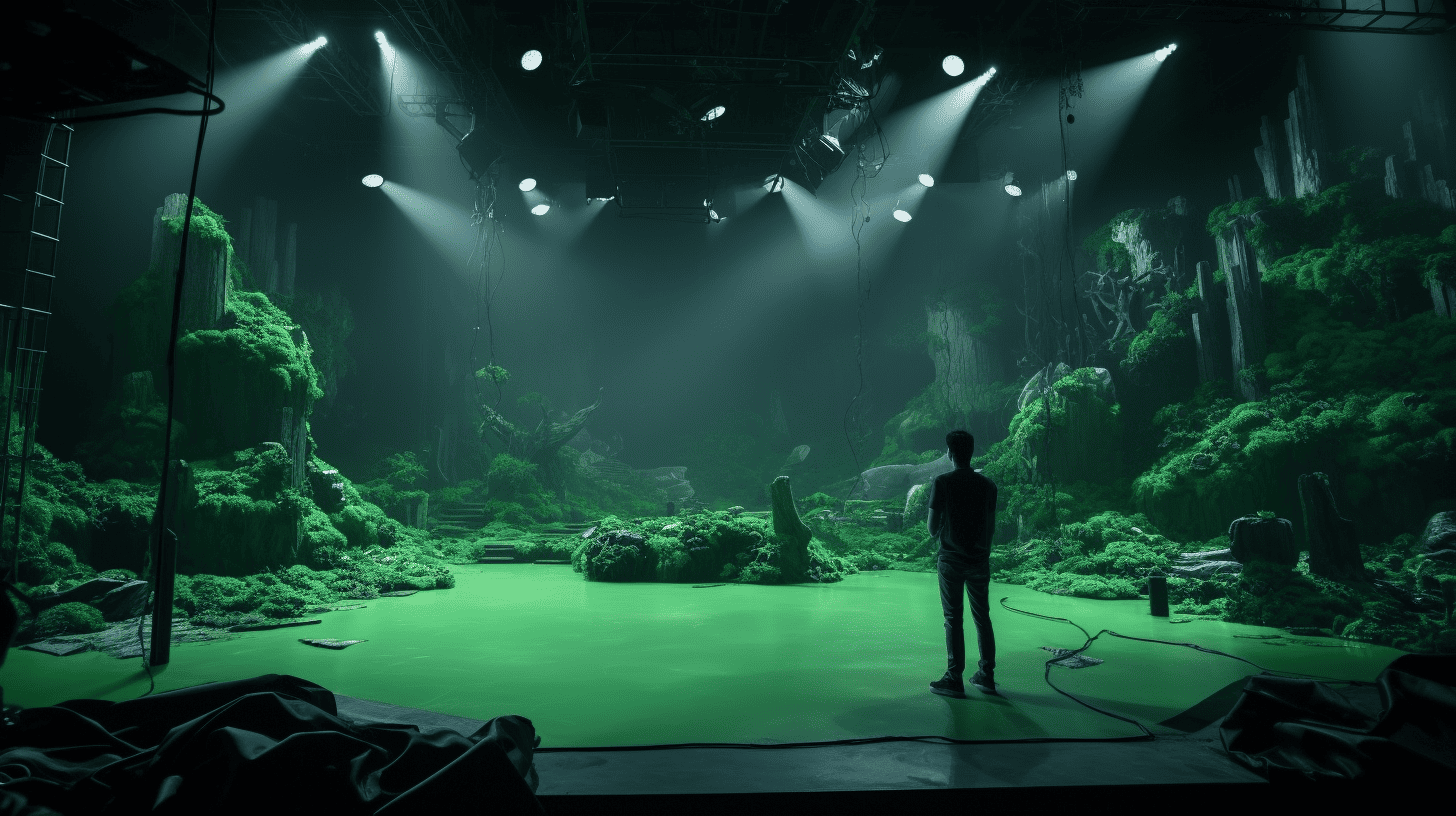
What Makes a Matchmove Difficult? starts with the job the work must do. For film producers, directors, VFX supervisors, and post-production teams, that means defining the decision, behaviour, or visible result before choosing tools. In matchmoving, the practical scope includes motion blur, rolling shutter, zooms, weak parallax, reflections, moving objects, and incomplete metadata. Each part should connect to a requirement that can be reviewed, not a vague request for a more advanced or more impressive result.
A reliable workflow separates inputs, working assumptions, production steps, and review evidence. The team records what came from the client, what was measured or observed, what was created, and which checks support approval. This structure makes revisions easier to diagnose. It also lets another artist, engineer, teacher, or producer understand why a choice was made instead of repeating the work from the beginning.
The common failure is to optimise one visible detail while ignoring the system around it. A polished output can still fail when timing, scale, continuity, context, accessibility, or delivery requirements are wrong. Teams should test the work in the environment where it will be used, record specific problems, and assign fixes to the right stage. Late cosmetic changes cannot repair a weak brief or missing source information. See a related Mimic VFX guide for a connected production example.
For planning, turn this section into a short checklist: confirm the intended user, list the source material, name the owner of each approval, define the output format, and agree on one test that would reveal a bad result. Review early samples before scaling the process. This protects the schedule and keeps effort focused on a stable virtual camera and scene alignment that lets digital objects share the photographed camera movement.
How Do You Review Matchmoving Quality?
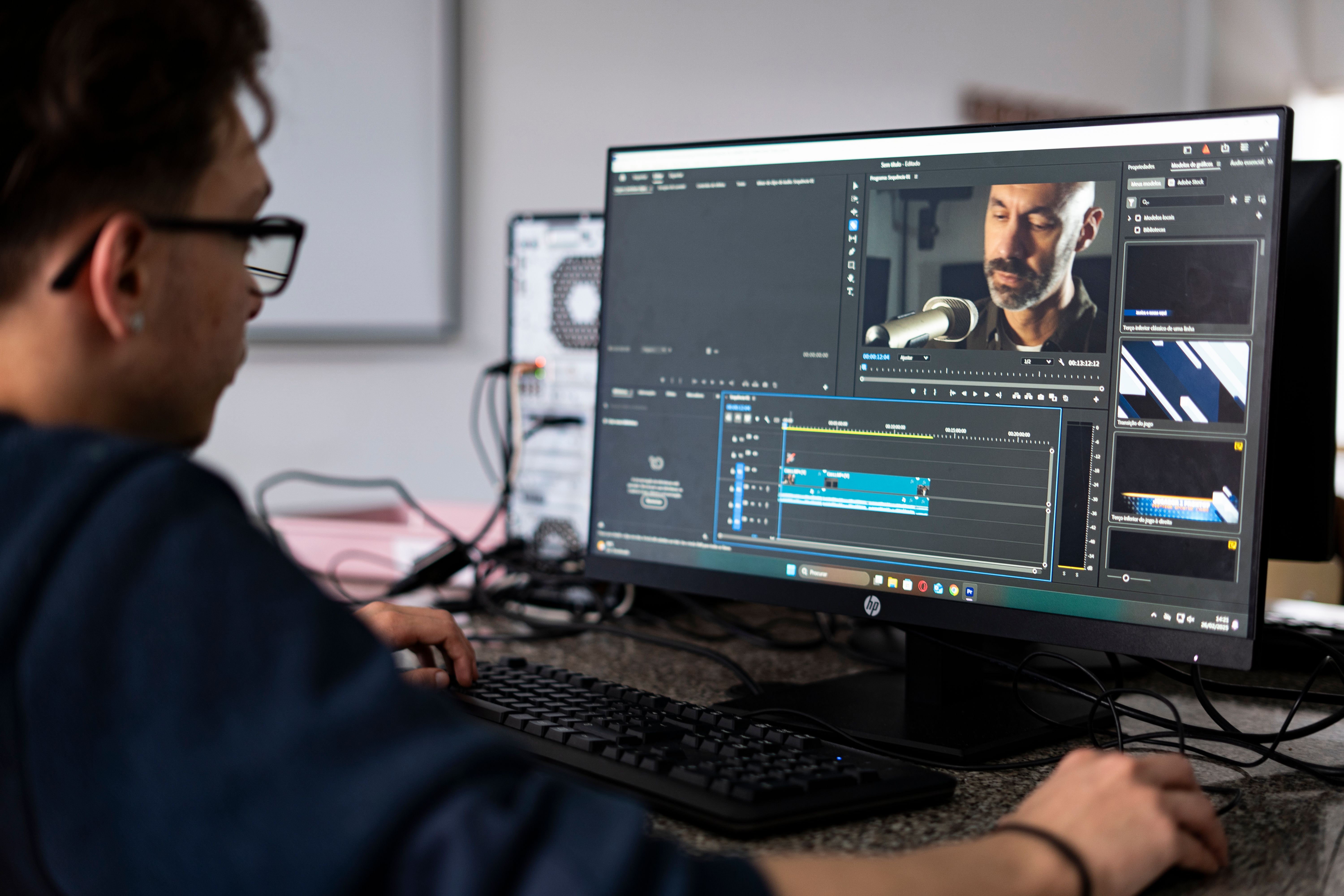
How Do You Review Matchmoving Quality? starts with the job the work must do. For film producers, directors, VFX supervisors, and post-production teams, that means defining the decision, behaviour, or visible result before choosing tools. In matchmoving, the practical scope includes reprojections, witness geometry, horizon and ground contact, sliding checks, lens distortion, and downstream tests. Each part should connect to a requirement that can be reviewed, not a vague request for a more advanced or more impressive result.
A reliable workflow separates inputs, working assumptions, production steps, and review evidence. The team records what came from the client, what was measured or observed, what was created, and which checks support approval. This structure makes revisions easier to diagnose. It also lets another artist, engineer, teacher, or producer understand why a choice was made instead of repeating the work from the beginning.
The common failure is to optimise one visible detail while ignoring the system around it. A polished output can still fail when timing, scale, continuity, context, accessibility, or delivery requirements are wrong. Teams should test the work in the environment where it will be used, record specific problems, and assign fixes to the right stage. Late cosmetic changes cannot repair a weak brief or missing source information. See a related Mimic VFX guide for a connected production example.
For planning, turn this section into a short checklist: confirm the intended user, list the source material, name the owner of each approval, define the output format, and agree on one test that would reveal a bad result. Review early samples before scaling the process. This protects the schedule and keeps effort focused on a stable virtual camera and scene alignment that lets digital objects share the photographed camera movement.
How Should Productions Plan for Matchmoving?

How Should Productions Plan for Matchmoving? starts with the job the work must do. For film producers, directors, VFX supervisors, and post-production teams, that means defining the decision, behaviour, or visible result before choosing tools. In matchmoving, the practical scope includes on-set capture, naming, turnover notes, early tests, vendor communication, and choosing where precision matters most. Each part should connect to a requirement that can be reviewed, not a vague request for a more advanced or more impressive result.
A reliable workflow separates inputs, working assumptions, production steps, and review evidence. The team records what came from the client, what was measured or observed, what was created, and which checks support approval. This structure makes revisions easier to diagnose. It also lets another artist, engineer, teacher, or producer understand why a choice was made instead of repeating the work from the beginning.
The common failure is to optimise one visible detail while ignoring the system around it. A polished output can still fail when timing, scale, continuity, context, accessibility, or delivery requirements are wrong. Teams should test the work in the environment where it will be used, record specific problems, and assign fixes to the right stage. Late cosmetic changes cannot repair a weak brief or missing source information. See a related Mimic VFX guide for a connected production example.
For planning, turn this section into a short checklist: confirm the intended user, list the source material, name the owner of each approval, define the output format, and agree on one test that would reveal a bad result. Review early samples before scaling the process. This protects the schedule and keeps effort focused on a stable virtual camera and scene alignment that lets digital objects share the photographed camera movement.
Frequently Asked Questions
Is matchmoving the same as motion tracking?
Matchmoving is a form of tracking focused on reconstructing camera or object motion so 3D elements can be placed accurately. Motion tracking can also describe simpler 2D point or planar tracks.
What is a camera solve?
A camera solve is the calculated virtual camera whose movement, field of view, and orientation reproduce the motion seen in the plate.
Does every VFX shot need matchmoving?
No. Locked cameras, simple 2D composites, or fully graphic treatments may not need a 3D solve. Shots with 3D additions usually do.
Why is lens distortion important?
Real lenses bend straight lines and shift image positions. Artists often undistort the plate for tracking, then restore the lens characteristics in the final composite.
Can AI automate matchmoving?
Automation can find features and propose solves, but difficult shots still need an artist to reject bad tracks, set scale, handle moving objects, and judge whether the result is useful.
What should be captured on set?
Capture camera and lens metadata, lens grids, set measurements, reference images, focus and zoom information, and any survey data the VFX supervisor requests.
How long does matchmoving take?
A clean shot may solve quickly. Long takes, heavy blur, zooms, rolling shutter, moving sets, or limited parallax can require extensive manual work.
How can a client check a matchmove?
Review a wireframe or witness object locked into the plate. It should hold position, scale, horizon, and perspective without drifting or sliding.
What is object tracking?
Object tracking reconstructs the movement of a prop, vehicle, head, or other subject independently of the camera.
What happens after matchmoving?
Layout, animation, effects, lighting, and compositing use the solved camera and scene data to build and integrate the final digital work.
Conclusion
What is matchmoving is not answered by one tool or one preset. Strong work begins with a clear objective, dependable inputs, a controlled process, and review evidence that matches the real use case. That approach makes quality easier to explain, budget, repeat, and improve.
If you are planning a project involving matchmoving, contact Mimic VFX to discuss the brief, source material, production steps, review points, and final deliverables.