A clean plate in VFX is a reference view of a scene without the subject or object the compositor needs to remove. A matching plate gives the artist real background detail to use under a moving performer, tracking marker or rig. Its usefulness depends on how closely the framing, lens, light and perspective match the original take.
The right plate starts with the shot brief. Work out what will disappear, what needs to remain and which frames reveal the most missing background. For the wider handoff, see the VFX post-production workflow.
Identify what the compositor needs to replace
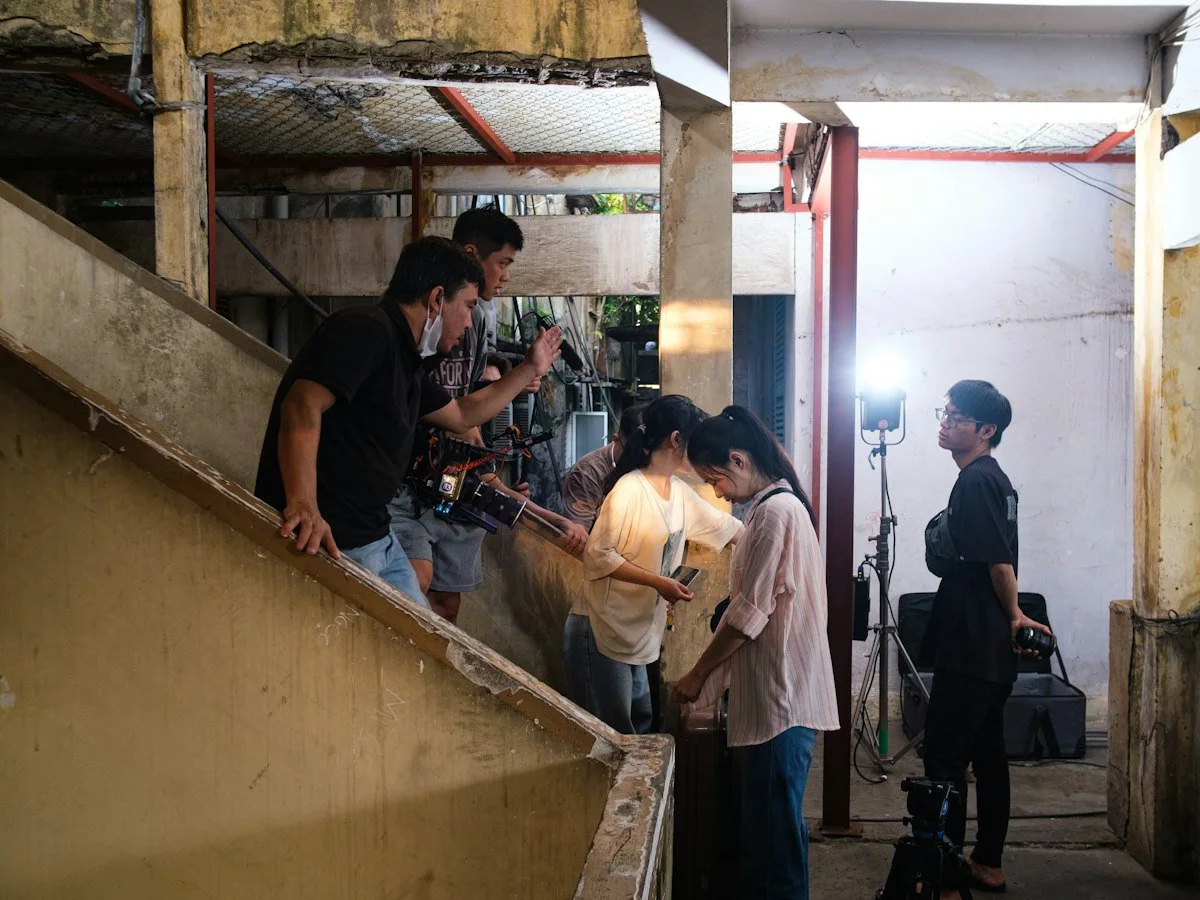
Look at the action from the camera’s point of view. A cable across a plain wall may only hide a small patch. A support rig in front of patterned wallpaper may cover a much larger area and cast a moving shadow. List the rig, its shadow, reflections and any parts that cross the performer. Those are separate cleanup tasks. A plate of the wall is useful, but it cannot reconstruct the performer’s sleeve when the rig crosses it.
Decide whether the scene needs one empty take or several element passes. If the camera sees through a window, removing a reflection and replacing the view beyond the glass may require different references. If the shot uses atmosphere, a clean plate with no haze may be less useful for a direct patch, but helpful as a separate reference. Document what each pass contains. Give the artist the intended result in words rather than assuming the file name tells the whole story.
Add this work to the VFX breakdown and shot list. Indicate which shots depend on a clean plate, which require an additional texture reference and which might need a reconstructed background. That makes the decision visible when the shoot falls behind. An empty plate taken before a location is struck is usually easier to arrange than a return visit after furniture and lighting have moved.
Shoot the locked-off plate before striking the setup
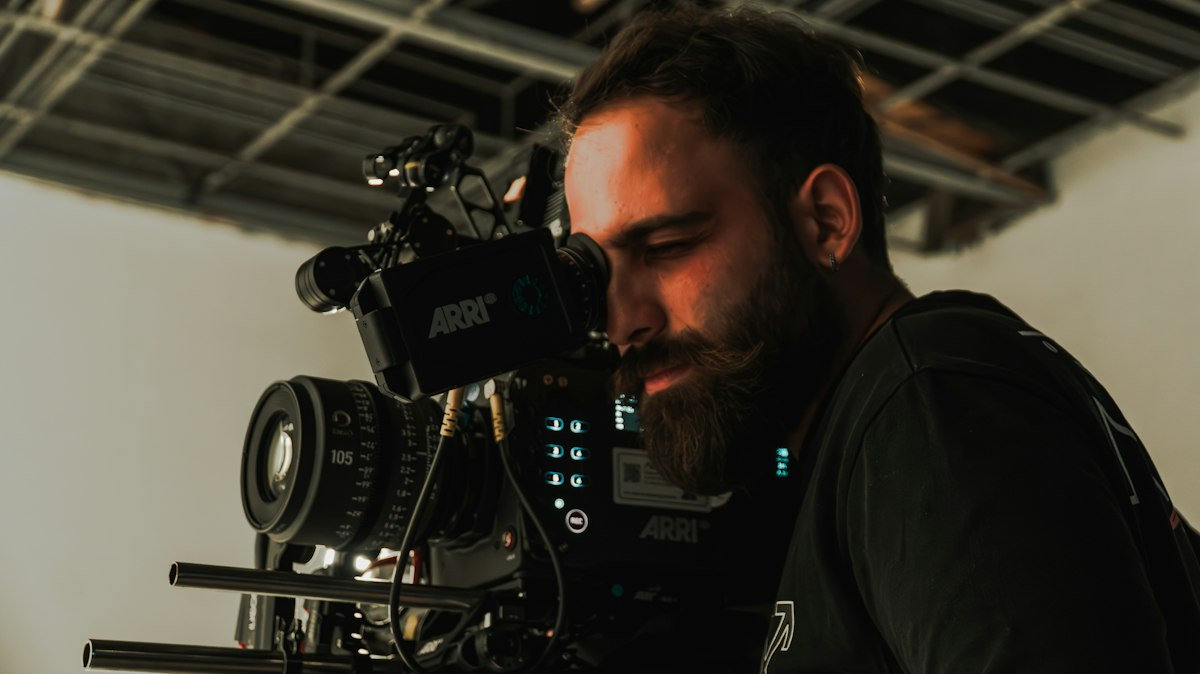
Once the performance take is complete, hold the camera and lens settings. Clear the subject or the item marked for removal while retaining the rest of the scene. Roll a short plate with enough frames to sample the background at the shot’s intended duration, especially if the environment is moving. Match exposure, focus, focal length and filtration. If the camera settings have to change, record what changed and keep both references.
Watch the scene while it is empty. Reflections in glass may still show crew or equipment. A practical lamp can dim or flicker between takes. If the rig’s shadow falls on the background, remove the rig and its shadow from the plate while keeping the intended set lighting. Check the same area in the original and the empty shot before the crew moves on. If a fixed shadow needs to stay, leave the element casting it in place.
Record enough clean material for transitions. A window with passing cars, a background screen or tree branches in the wind may need several usable moments. Check whether the compositor wants an empty scene for the whole action or several shorter passes with different background conditions. A still frame is often sufficient for a truly static patch. It is less useful where the background has motion, grain variation or a changing reflection. For shots that will be planned together with the crew, see film VFX supervision.
Plan for moving cameras and changing perspective
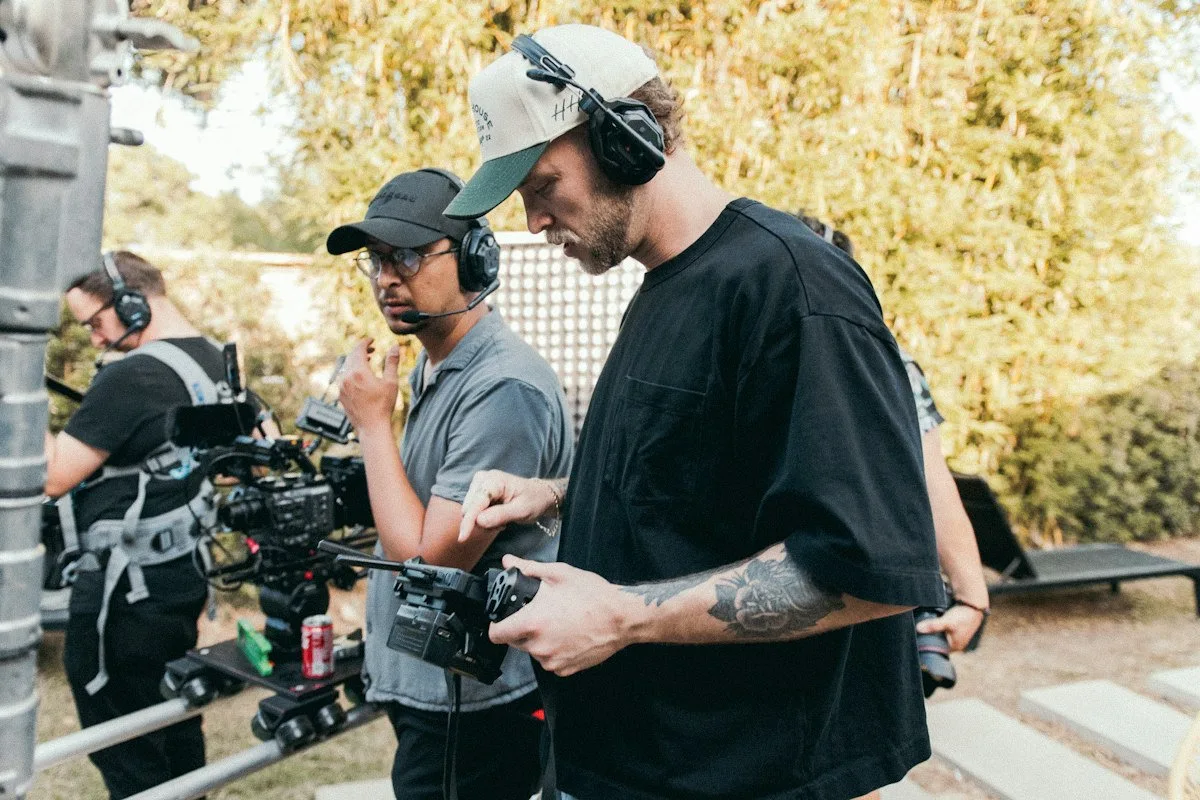
A repeated move can help, but matching the start frame does not guarantee that later frames line up. Objects close to the lens shift relative to distant surfaces as the camera travels. This parallax can make a simple 2D patch slide or reveal seams. If repeatable motion control is available and suitable for the shot, discuss a matched pass with the camera and VFX teams. For a handheld move, collect useful reference without promising a pixel match.
When the second move cannot match, capture wider angles, unobstructed texture references and overlapping views of the surfaces being removed. An artist may track and reproject those views onto simple geometry or use neighbouring frames that reveal the hidden area. Which route makes sense depends on the distance travelled, lens behaviour, occlusion and the quality of the tracking information. The VFX tracking guide covers why features that remain visible matter.
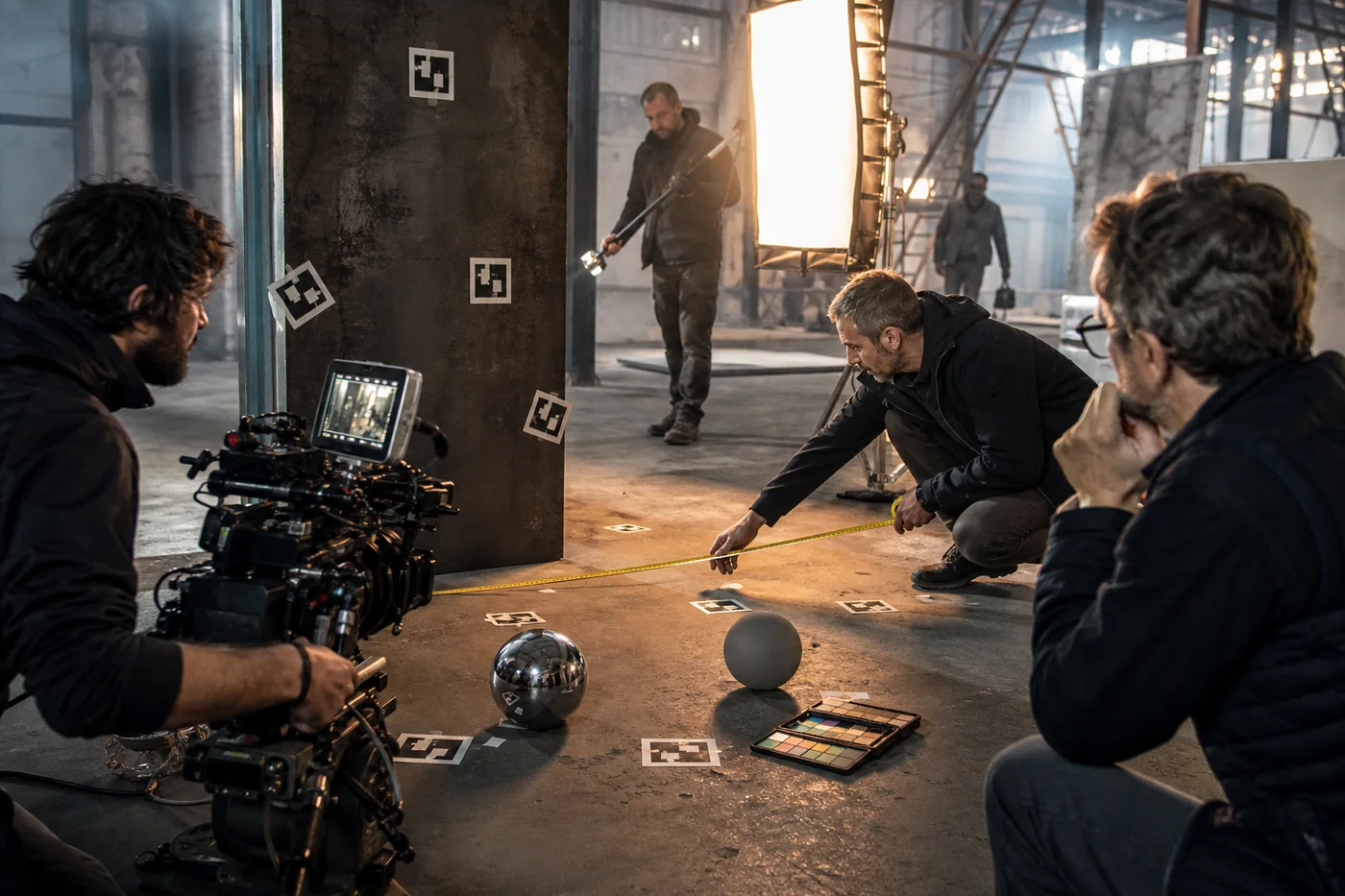
Capture lens and camera details that can be handed to post, including focal length and any focus change relevant to the shot. Agree in advance whether lens grids, measurements or a scan are needed. A surface with repeating patterns can be hard to track even when it looks simple on set. If background geometry must be rebuilt, the set extension guide explains the difference between extending a real plate and creating much of the scene digitally.
Keep keying references and removal plates separate
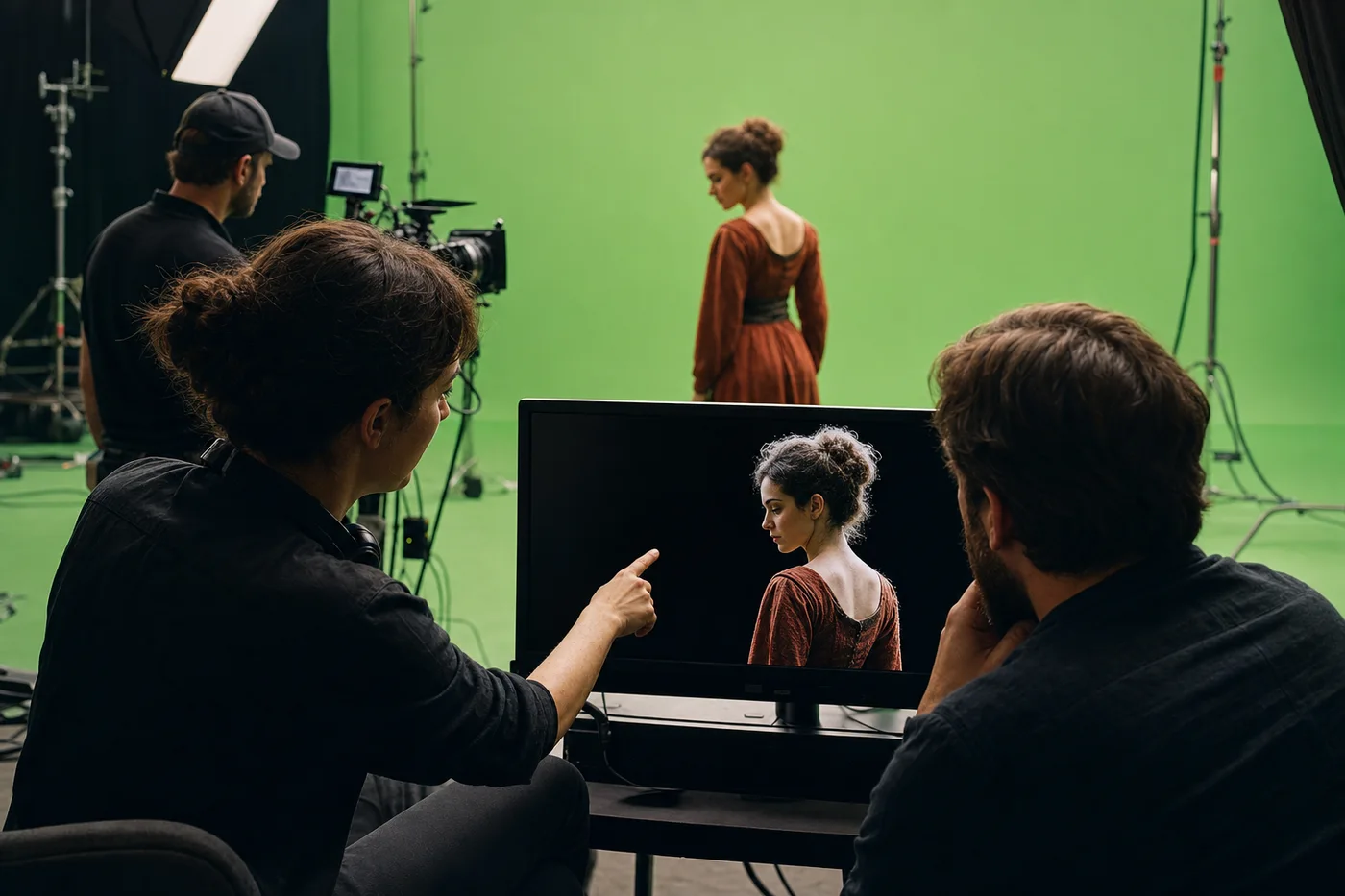
An empty green or blue screen reference can help show uneven illumination or support a keying setup. A removal plate of a physical set serves a different purpose. Label both so the compositor knows which one describes the backing screen and which one contains the final background detail. A good screen reference does not remove spill on the actor or recover motion-blurred edges by itself.
Check for changes between the performance and the reference. A person standing near a screen can cast a shadow or change the light reflected onto it. Empty-screen footage may reveal uneven brightness, while the actor footage still requires an edge treatment and a plan for reflections. Make note of transparent or reflective material, fine hair and out-of-focus areas. These regions need particular attention in review because an overly aggressive key can remove part of the subject.
On set, check the rough composite if the production has a monitoring workflow, but use it to catch framing and lighting problems rather than as a sign-off on the final result. Ask the compositor what they want captured while the setup still exists. The compositing guide places keying, roto and cleanup in the wider shot. A well-labelled reference pass gives each department a clearer starting point.
Build a handoff the compositor can test
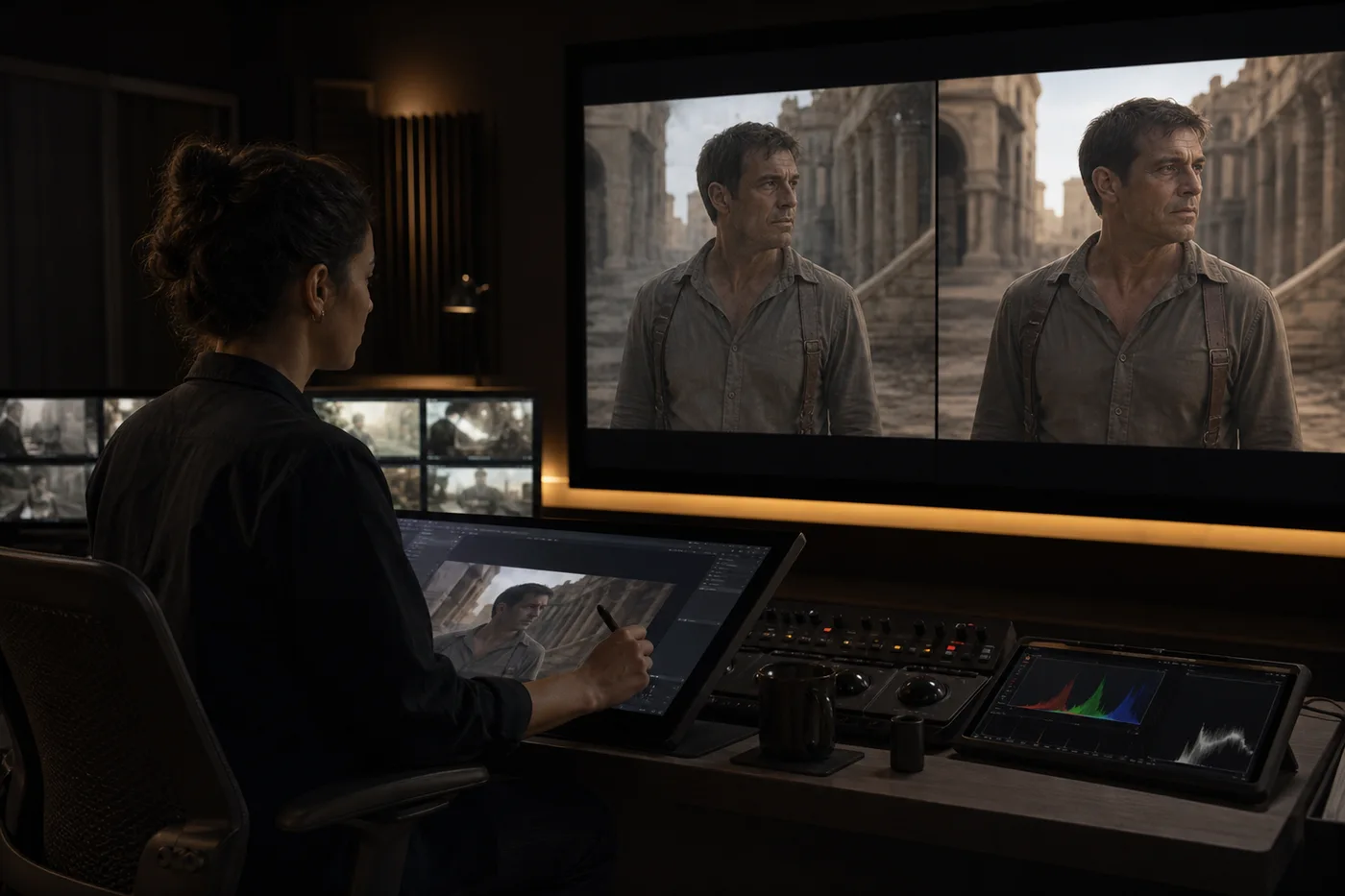
Send the original shot, clean pass and any reference elements with a shared shot ID. Include source frame range, handles if agreed, frame rate, resolution and the intended colour treatment. Specify whether a clip is a source plate or a viewing reference with a transform baked in. Keep the reference export visually useful, but avoid letting it replace the source file needed for compositing. Netflix’s VFX pulls guidance gives a production example of why consistent plate naming and colour handling matter.
Write a plain-language note: “Remove the support pole and its reflection. Preserve the actor’s shadow. The empty pass was recorded after the performer left and before the window lighting changed.” That makes the request testable. Ask the artist to confirm the first and last usable frames and flag any patch that needs rebuilding. A short technical preview can identify a shifting edge, mismatch in grain or reflection that would be missed in a single still.
Review the shot at normal speed and then step through the difficult frames. Check the borders where a patch meets the original, the frames where someone walks in front of it and the moment a light changes. Use the Mimic VFX film services and contact page to discuss a shot or pickup. A useful brief includes footage or review references, the removal area, how the camera moves and the delivery date.
For example, a performer walks past a window while a safety line runs across both the wall and the glass. The wall may be easy to recover from an empty take, while the glass may reveal the line in reflection. Before removing equipment, identify where the line crosses the performer and where the reflection appears. Request a clean background pass and a separate reference for the window. The compositor can then estimate the parts of the job that need paint or roto rather than assuming the empty pass solves the whole shot.
A quick handoff check can prevent avoidable rework. Ask someone who was not on set to identify the clean pass from the files and notes alone. Can they tell which main take it matches? Can they find the frame range and see whether the camera moved? Do they know which grade is only a viewing aid? If a decision still depends on somebody remembering the setup, add that information before the shoot team moves to the next location.
Frequently asked questions
What is a clean plate in VFX?
It is a reference image or pass of the scene without the element that needs to be removed. It provides background detail that a compositor can use when rebuilding or patching the affected area.
Is a clean plate the same as a background plate?
A background plate is footage intended as the background for a composite. A clean plate describes what is absent from a reference. One file may serve both roles, but a handoff should say exactly how to use it.
Can a clean plate be a still photograph?
Yes, if the task needs a static reference or texture. A moving background, changing lights or motion blur can require an additional video pass or other reference. Match framing and exposure as closely as the shot allows.
How long should a clean pass be?
Record enough material to cover the affected frames and useful variations in the background. A static wall may need very little. A moving light or passing traffic needs more options. Confirm the required duration with post.
What if there is no empty pass?
The compositor may use neighbouring frames, paint, tracked patches or reconstructed geometry. The options depend on what the camera reveals and how the background moves. Review the shot before estimating time or assuming the removal is simple.
Should I move the camera to get more texture?
Record a matching pass before disturbing the setup whenever possible. Wider or angled texture references can be useful in addition to that pass, particularly when the shot moves and the artist needs to reconstruct a surface.
Does a clean plate replace rotoscoping?
No. A plate gives the artist background pixels. Rotoscoping may still be needed to isolate a performer or moving foreground element that should remain in front of the patch.
What should I label in the handoff?
Use the shot ID and identify the original, clean pass and any supplementary references. Record frame rate, range and colour treatment. Note anything that changed between passes and describe the final visual result.
Conclusion
Capture clean reference while the matching setup is still available. Preserve the information a compositor will need to evaluate perspective, motion, colour and reflections, and label each pass according to what it contains. If a matching pass is impractical, discuss which additional references will make the shot easier to reconstruct.