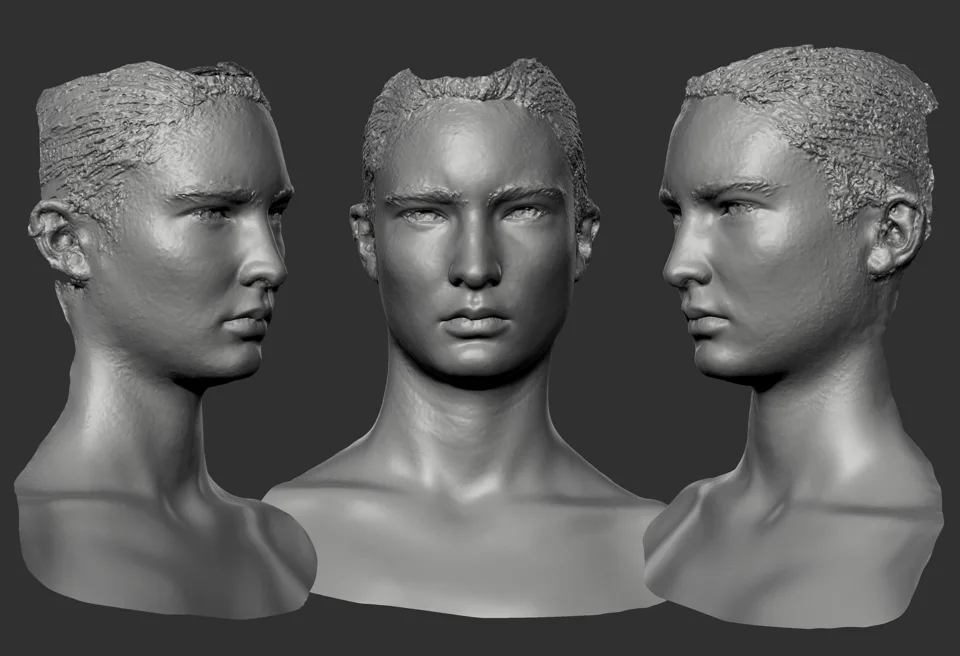
A digital face needs a defined expression range before it needs a long list of controls. This guide explains what blendshapes do, where capture data fits and what a production team should ask for when commissioning a facial asset.
Table of Contents
- What a blendshape changes
- Why a familiar expression list is not a finished face
- Review combinations, not only isolated poses
- What to put in a facial-asset brief
- Shape set, rig or finished animation?
- Frequently asked questions
- Sources and further reading
What a blendshape changes
A blendshape stores a change to the shape of a mesh. Several shapes can be combined with different weights to produce an expression or correct a deformation. Unreal calls these morph targets; Blender also uses the term shape keys. These names describe related mesh-deformation workflows, not three separate facial-performance services.
The distinction matters when commissioning a character. A shape set is a collection of possible deformations. A facial rig gives an artist a way to control them. Animation is the performance made with those controls. Ask which of those outputs is in the quote.
Why a familiar expression list is not a finished face
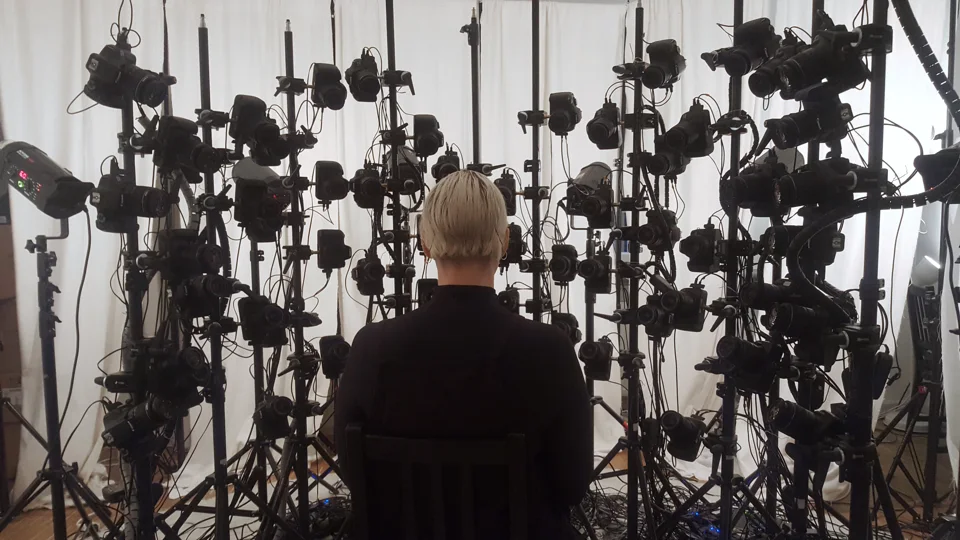
A capture system may provide named expression coefficients. Those values still need a compatible target character and a mapping. A number representing a smile does not create the character’s smile shape or establish how its lips and cheeks should move.
Apple’s ARKit documentation describes expression coefficients, while Epic documents morph-target import and preview in Unreal. These are useful technical references for a receiving pipeline. They do not mean that every captured face or every imported mesh will produce an approved performance without artist work.
Review combinations, not only isolated poses
Build a short test from the actual production: a blink while looking down, a smile with an open jaw, a line of dialogue and a quiet reaction. Review from the intended camera distance. A control can look acceptable on its own and fail when another shape is added.
Keep the neutral mesh and shape versions aligned. Changes to vertex structure can affect the way a target deformation is represented or transferred. Confirm the export requirements with the receiving team instead of assuming that a file opening successfully proves the face is ready.
What to put in a facial-asset brief
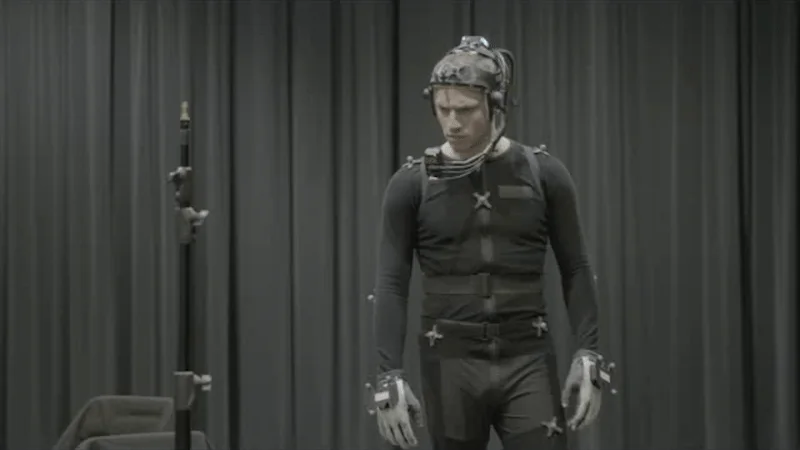
Name the target character, reference expression range, receiving software and final use. Ask for the neutral asset, the agreed shape set or rig, control naming and a representative validation scene as appropriate to the commission. Record who approves likeness and who approves technical delivery.
Facial rigging is the relevant Mimic VFX service when you need the expression system. Use facial capture for recorded acting and facial animation for a finished digital performance. Choosing the stage first makes the brief easier to price and review.
Shape set, rig or finished animation?
| Output | What it contains | What to check |
|---|---|---|
| Blendshape set | Agreed mesh deformations | Expression coverage and combinations |
| Facial rig | Controls that drive the face | Deformation, naming and animator use |
| Facial capture | Recorded acting and agreed processing | Take reference and target compatibility |
| Facial animation | An approved digital performance | Dialogue, acting and shot continuity |
Frequently asked questions
Are blendshapes and morph targets the same thing?
The terms commonly refer to stored mesh-shape changes blended by weights. Exact import and runtime behaviour depends on the software and asset setup.
Do more blendshapes always produce a better face?
No. Coverage, shape quality, combinations and the rig’s suitability for the shot matter more than an isolated count.
Can expression coefficients replace a facial rig?
They can drive compatible controls, but they do not create the target shapes, likeness or deformation system.