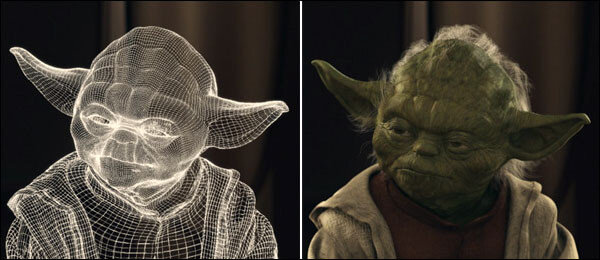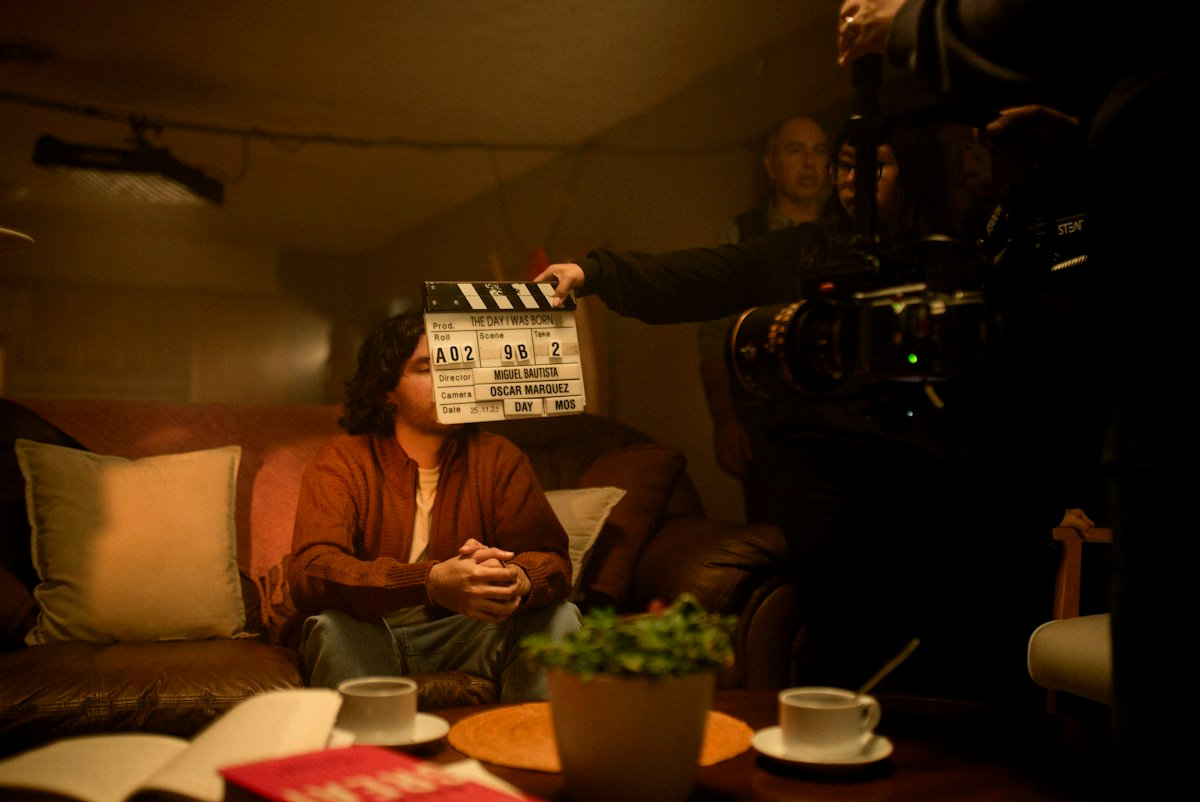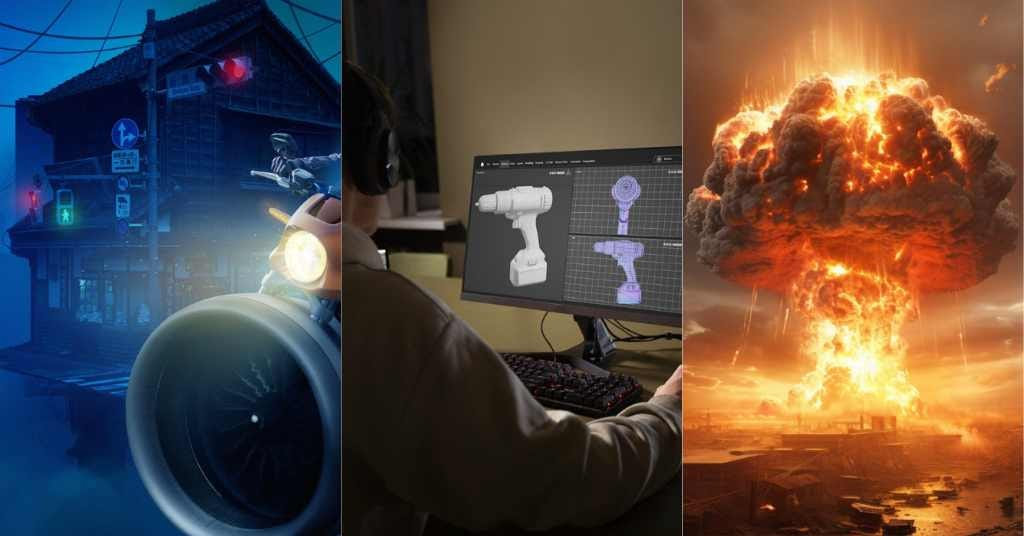
If you have ever watched a city fold in on itself, a creature breathe like it belongs on Earth, or a seemingly simple gunshot land with weight and danger, you have already experienced the overlap and the boundaries between VFX, SFX, and CGI. The confusion usually comes from the fact that modern filmmaking rarely uses just one discipline. A single shot can include practical smoke on set, a digital extension of the environment, and invisible cleanup that the audience will never notice.
This glossary is built from a production viewpoint, not internet shorthand. We will define what each term means, where it lives in the pipeline, and how it shows up in real shots. The goal is clarity you can use on a call sheet, in a budget conversation, or inside a post workflow.
Along the way, we will connect the vocabulary to the way crews actually work: what is captured in camera, what is engineered on set, what is built in 3D, and what is composited into a final frame that feels inevitable.
Table of Contents
Definitions That Hold Up on a Real Production
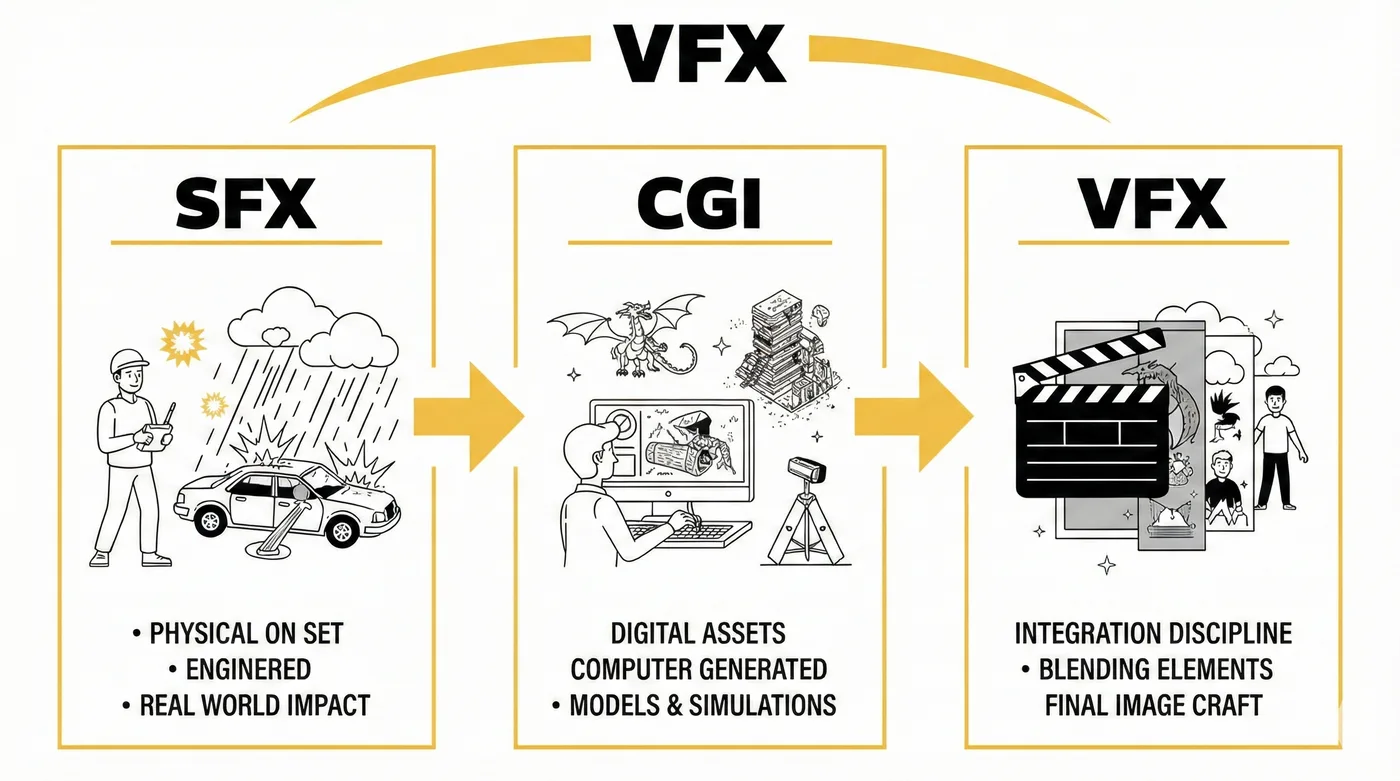
The simplest way to separate the terms is by asking one question: where does the effect originate?
SFX originates physically on set
CGI originates as a digital asset or simulation
VFX is the umbrella and the finishing language that integrates elements into the final shot
SFX: Special Effects, built in the real world
SFX is physical. It is engineered and executed during production, in front of the lens, with safety and repeatability as priorities.
Common SFX examples you can point to:
Controlled fire bars and flame rigs for a corridor burn
Atmospheric haze, wind, rain, and snow machines to shape lighting
Breakaway props, squibs, and blood rigs timed to performance
Mechanical creature parts, animatronics, and puppeteered elements
Practical explosions, debris cannons, and vehicle gags
SFX teams are solving problems in real space: how to create impact, physics, and interaction without waiting for post. Even when a shot will be enhanced later, practical elements often give the digital work something truthful to lock onto: real light, real motion blur, real chaos.
CGI: Computer Generated Imagery, built as data
CGI is anything created inside a computer: models, textures, rigs, animation, effects simulations, lighting, and renders. CGI can be used for fully synthetic shots, but it is most commonly blended with photographed plates.
Common CGI examples that show up in everyday work:
A digital vehicle replacement for a dangerous stunt
A creature or character built as a photoreal digital double
A collapsing building simulated with rigid bodies and dust volumes
A set extension that continues a street into the distance
A digital crowd, from stadium seats to battlefield formations
CGI is not automatically “big spectacle.” Some of the most important CGI is subtle: a body part replacement for a stunt splice, a digital patch to repair wardrobe continuity, or a clean digital prop when the practical version failed.
If you want a practical foundation for how CGI is produced, the workflow matters as much as the artistry. Our breakdown of the modern VFX pipeline explains where modeling, animation, FX simulation, lighting, and compositing actually sit inside delivery.
VFX: Visual Effects, the integration discipline
VFX is the umbrella term for the full process of creating and integrating imagery that is not captured as final in camera. In practice, VFX is where plates, SFX elements, CGI, matte paintings, roto, tracking, cleanup, and color matching are combined into one coherent result.
When someone says “VFX shot,” they usually mean one of two things:
A shot that contains CGI or major manipulation
A shot that requires invisible work to preserve realism
Invisible VFX examples that are common in high end productions:
Wire removal and rig cleanup
Screen replacements on phones and monitors
Set seam fixes, boom removal, reflection cleanup
Sky replacements and lighting continuity adjustments
Beauty work that respects skin texture and lens behavior
A helpful cross reference is to understand what people mean when they say “visual effects” in different mediums like film, games, and advertising.
One sentence you can use on set
SFX is done physically during the shoot. CGI is built digitally. VFX is the full craft of blending everything into a finished image that feels photographed.
And yes, VFX vs SFX vs CGI is a real conversation in scheduling and budgeting, because each one changes who needs to be on set, what needs to be captured, and how much risk you are carrying into post.
How the Disciplines Connect From Set to Post
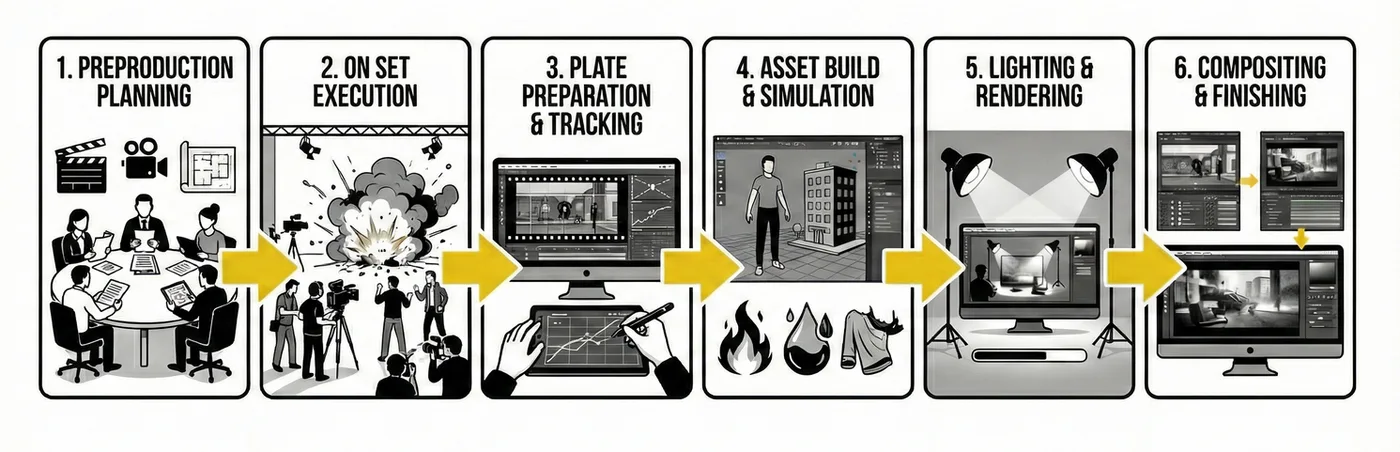
On a professional production, these departments are not competing labels. They are interlocking tools, and the best results come from planning shots that let each tool do what it does best.
The typical flow, shot by shot
Preproduction planning: The director, cinematographer, production designer, SFX supervisor, and VFX supervisor decide what must be practical, what can be digital, and what needs a hybrid approach. This is where you avoid expensive surprises.
On set execution: SFX creates real interaction: smoke that catches light, debris that hits the ground, rain that shapes a backlight. VFX data capture happens in parallel: lens grids, HDRI, reference spheres, witness cameras, and measurements.
Plate preparation and tracking: Before heavy CGI begins, the shot needs camera solves and object tracking so digital elements inherit the same camera language as the plate. If you want a clear explanation of why this matters, this guide is a solid reference.
Asset build and simulation: Modeling and look development create objects that hold up under cinematic lighting. FX simulation adds behavior: fire, fluids, cloth, destruction, particulate volumes, and atmospheric layers.
Lighting and rendering: Digital elements are lit to match plate conditions, including bounce, lens characteristics, depth cues, and exposure response. The choice between offline rendering and real time rendering is creative and logistical, not ideological.
Compositing and finishing: Compositing is where the shot becomes believable. Grain, lens distortion, chromatic behavior, depth of field, atmospheric perspective, and edge integration are not optional details. They are the difference between “inserted” and “photographed.”
A concrete hybrid example
A car flips through a storefront.
SFX: breakaway glass, practical debris, air cannons, stunt rigging
CGI: digital car replacement for dangerous frames, extra debris, dust volume, environment patching
VFX: rig removal, tracking, compositing, continuity fixes, final integration
The audience experiences it as a single event. The crew experiences it as a carefully staged collaboration.
Comparison Table
Term | What it is | Best for | Common limitations |
SFX | Practical effects done on set using physical rigs and mechanical builds | Real interaction, real lighting response, performance driven impacts | Safety constraints, reset time, weather dependency |
CGI | Computer generated 3D assets, animation, simulation, and renders | Creatures, environments, destruction, impossible camera moves | Can feel synthetic without strong reference and integration |
VFX | Shot finishing that combines plates and CGI with tracking, roto, paint, and compositing | Believable final images, invisible fixes, hybrid finishing | Needs accurate onset capture, can get expensive when planned late |
Applications Across Industries
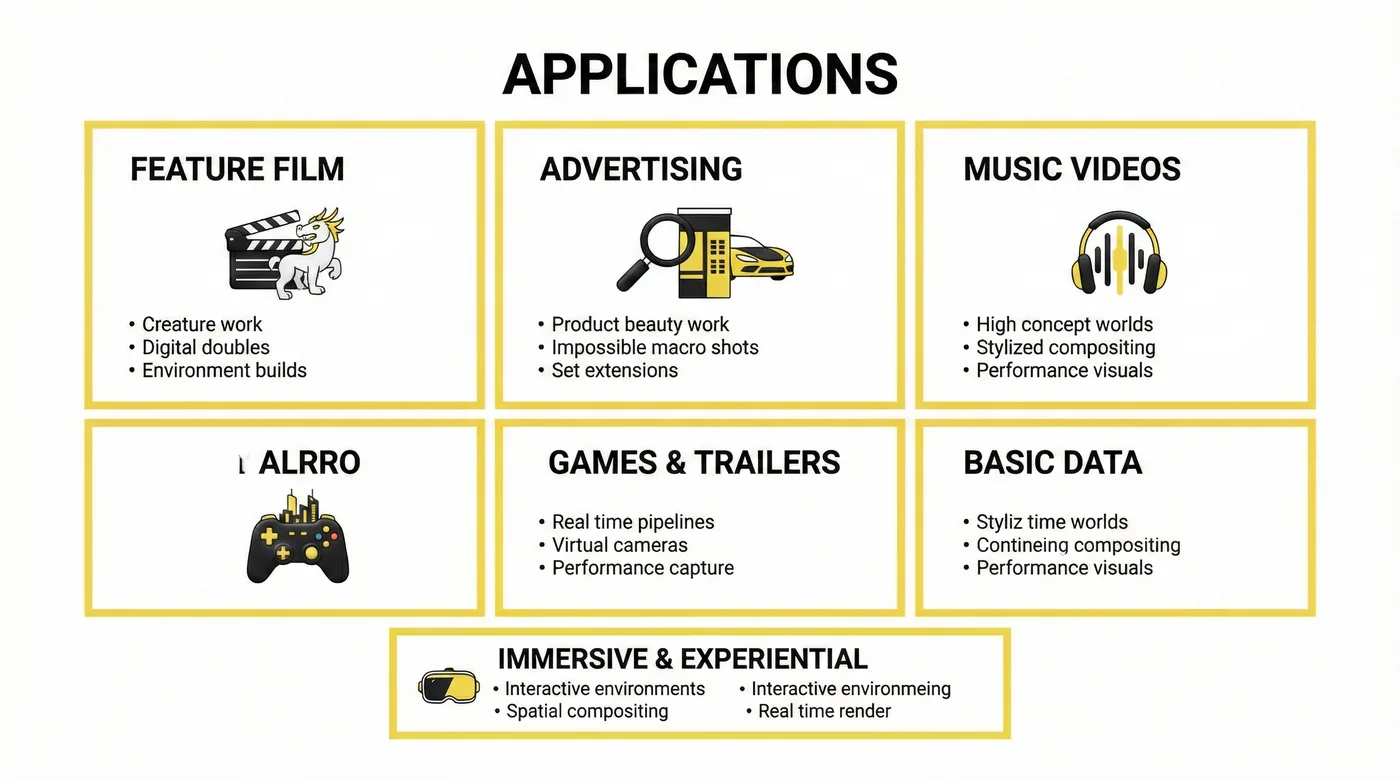
The same language applies outside feature films. The difference is the schedule, the delivery format, and how close the viewer sits to the image.
Feature film: Creature work, digital doubles, environment builds, invisible continuity fixes
Advertising: Product beauty work, impossible macro shots, set extensions, stylized transitionsIf you want to see how these workflows adapt to campaign pacing, explore our advertising work here.
Music videos: High concept worlds, stylized compositing, performance driven visuals, rapid iteration For the way artists use effects as visual language, this context is useful.
Games and cinematic trailers: Real time pipelines, virtual cameras, performance capture integrationYou can explore how this translates into game focused storytelling here.
Immersive and experiential: Interactive environments, spatial compositing logic, real time render constraintsSee how these techniques shift in immersive formats here.
Internal note for readers: if you are building a shared vocabulary for a production, keep the definitions consistent. “VFX” should not be used as a synonym for “CGI,” and “SFX” should not be treated as “old school.” They are different levers.
Benefits
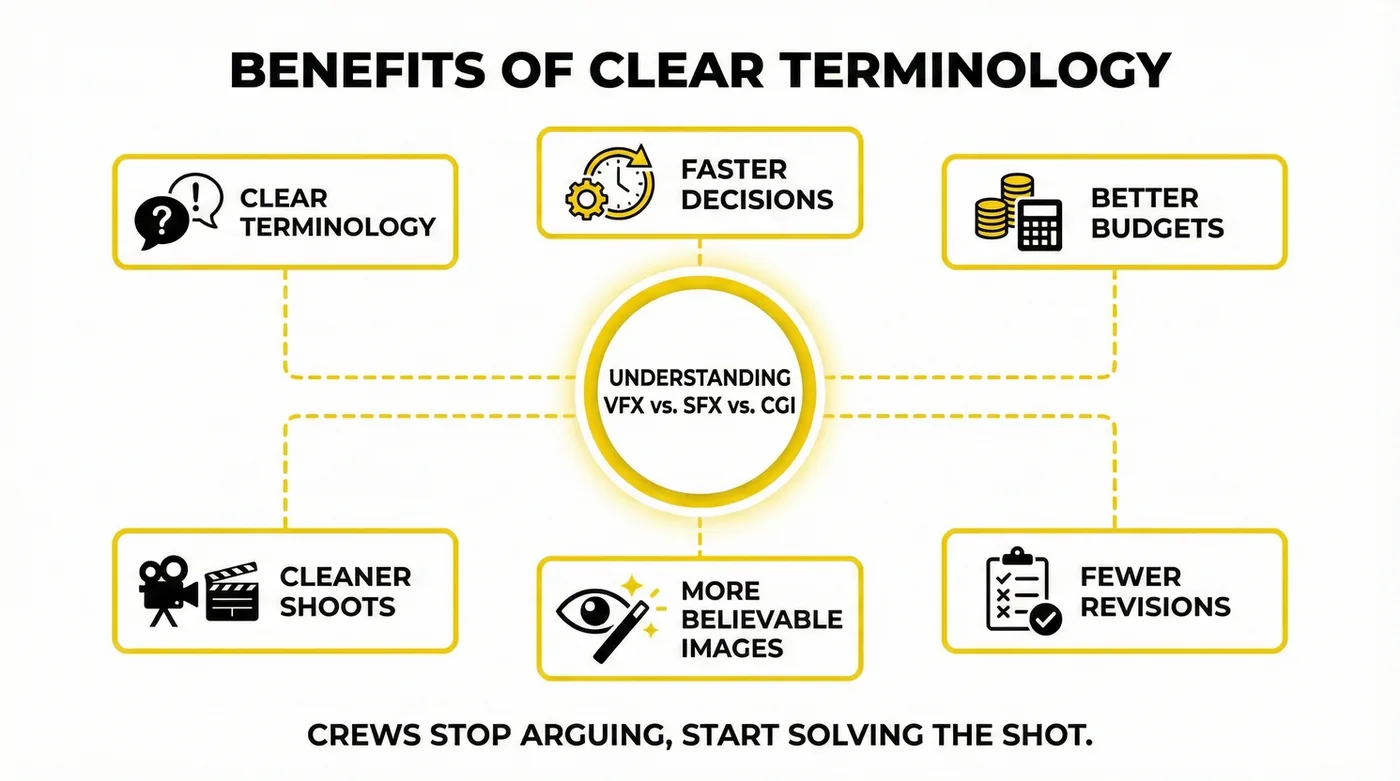
Clear terminology is not academic. It changes outcomes.
Faster decisions in preproduction because requirements are explicit
Better budgets because you know what must be built physically and what can be created digitally
Cleaner shoots because VFX data capture is planned, not improvised
More believable images because practical interaction and digital integration support each other
Fewer revisions because departments are aligned on what “final” means
When VFX vs SFX vs CGI is understood correctly, crews stop arguing about labels and start solving the shot.
Future Outlook
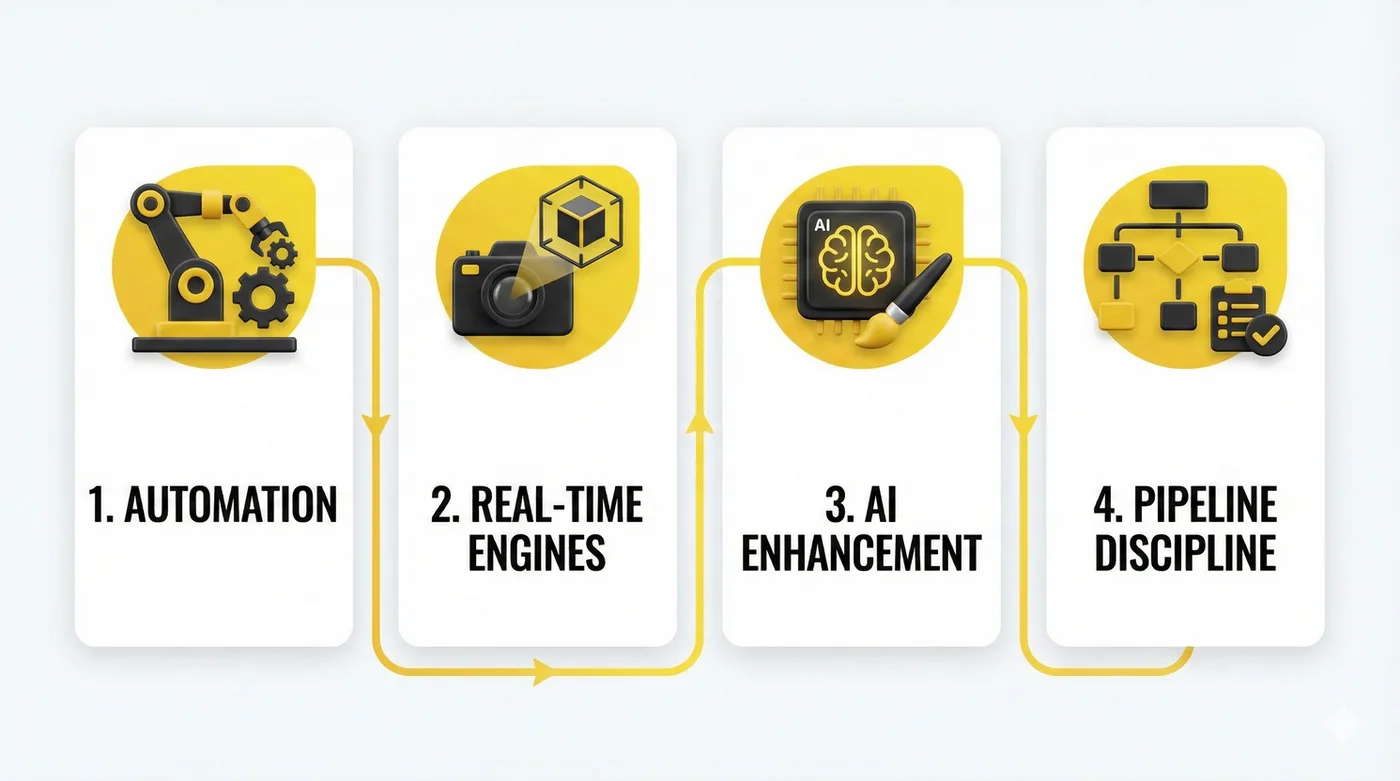
The next few years will not replace craft, but they will change where effort is spent. Automation is improving in roto, tracking, and certain types of cleanup. Real time engines are expanding previs and virtual production possibilities. AI tools are increasingly used for enhancement and restoration, but they still require artistic supervision to stay consistent with lens language, lighting logic, and narrative intent.
What will matter most is not the novelty of the tools, but the discipline of the pipeline: clean data in, reliable reference, clear approvals, and a finishing stage that respects cinematography.
For a grounded look at how machine learning intersects with visual effects workflows, this is a relevant read: AI in VFX Industry
FAQs
What is the simplest way to explain VFX, SFX, and CGI to a client?
SFX is practical effects captured on set. CGI is digital imagery created in a computer. VFX is the full process of integrating and finishing the shot so all elements feel like the same photographed moment.
Is CGI always part of VFX?
Not always. VFX can be invisible work using only the original plate, such as wire removal, cleanup, and screen replacements. CGI is one tool within the larger visual effects pipeline.
Can SFX reduce VFX costs?
Often, yes. Practical atmospherics and interactive lighting can make a shot feel real and reduce the amount of digital simulation needed. The best approach is usually hybrid, planned early.
Why do some CGI shots look fake even with high detail?
Detail is not the same as believability. Most “fake” reads come from lighting mismatch, incorrect lens behavior, inconsistent grain, scale errors, and poor edge integration in compositing.
Where does motion capture fit in this glossary?
Motion capture is a performance acquisition method. It can drive CGI characters and digital doubles, which then become part of a VFX shot through rendering and compositing.
Does virtual production replace traditional VFX?
It shifts part of the work earlier, but it does not remove the need for post. Even when environments are displayed on LED volumes, shots often need cleanup, extensions, and final integration.
How do you decide what should be practical versus digital?
You evaluate safety, repeatability, budget, schedule, creative intent, and how close the camera gets. If the audience needs tactile interaction, practical elements help. If the shot is dangerous or impossible, digital solutions are smarter.
What does a “hybrid shot” usually include?
A mix of practical interaction and digital augmentation: practical smoke plus digital debris, a partial practical set plus digital extension, or a stunt plate plus a digital double for a few frames.
Conclusion
VFX, SFX, and CGI are not interchangeable. They are different parts of one cinematic language. SFX gives you physics you can feel. CGI gives you control and scale beyond the limits of location and safety. VFX is the craft of making those worlds agree with each other, shot by shot, frame by frame, until the audience stops thinking about technique and stays with the story.
When the terminology is clear, the workflow becomes clear. And when the workflow is clear, you can choose the right tool for the moment, not the loudest label in the room.