
Motion Retargeting for Digital Characters
Transfer captured movement to a target character. Review skeleton mapping, proportions, contact and delivery requirements with Mimic VFX.
Explore the possibilities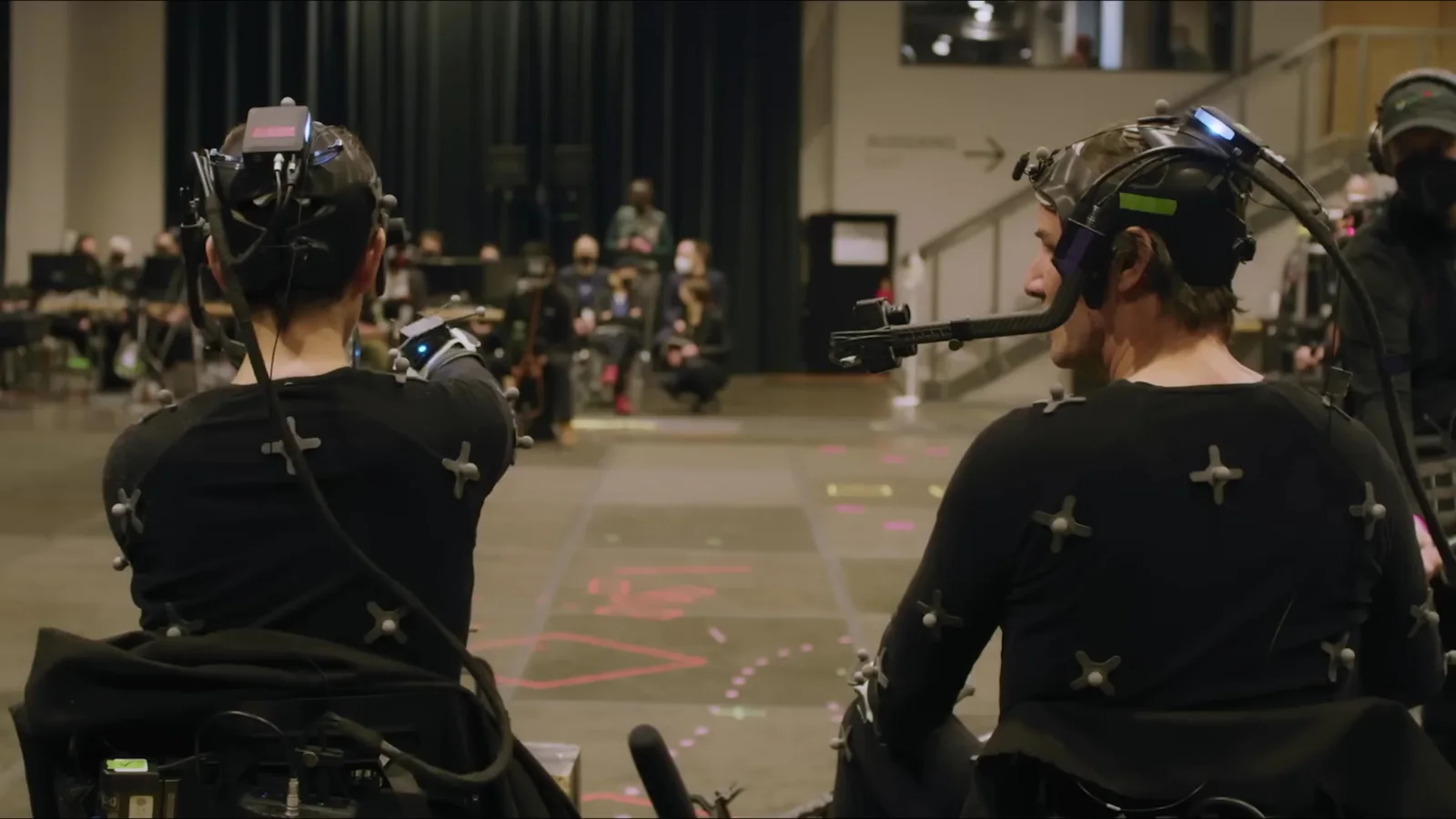
Inside the craft.
Retargeting transfers motion from a source skeleton to a target character. Different proportions can change the result: a hand misses a handle, a stride reaches too far or a foot no longer stays planted. A transfer is only useful when the character performs the intended action.
Check the source and destination together
Send a source take, source skeleton and target rig with the rest pose, units and frame rate. Include the reference video and the receiving application. Establish whether the target skeleton can reproduce the movement before a full take library is transferred.
A matching bone name does not establish matching anatomy. Differences in limb length, body shape and joint orientation need to be tested with representative actions. Walking, crouching and reaching can reveal different problems, so choose a small test set that reflects the final sequence.
Preserve the action, not just the rotation
Check the path through the scene, the character’s centre of gravity and contacts with the floor and props. The target character may need adjusted reach or timing to keep the action readable. Decide whether those changes are permitted before an animator makes them.
If a take involves another actor, supply both performances and their spatial relationship. Retargeting one character in isolation can break the interaction. Confirm which parts of the scene must remain fixed and which can be adjusted to suit the new proportions.
Hand off a tested transfer
Mimic Productions’ character-service description includes retargeting captured movement to 3D characters. A VFX retargeting brief should name the approved target rig, scene version and output format. It should also identify whether the delivery includes only transferred motion or a polished shot.
Mocap cleanup addresses noise and contact problems in the performance. Character animation can add or change action beyond the captured take. Keep these scopes visible so the receiving team knows what it is approving.
Your questions, answered.
Is retargeting automatic?
Software can transfer motion, but the result still needs checks for proportions, joint orientation and contact. The amount of manual correction depends on the source and target.
Can a human performance drive a nonhuman character?
Some movement may transfer, but different anatomy can require substantial authored animation. Send the creature model and action reference for review.
What is needed for a compatibility test?
One source take, the source skeleton, target rig, rest poses, units, frame rate and reference video are a practical starting package.
Useful links and briefing questions
What should I include in my brief?
Share your treatment or shot list, available assets, delivery formats and target dates.
Discuss your project ↗