
A virtual production VFX workflow connects shot planning, digital environments, the physical shoot and final compositing. The useful question is which decisions must be approved before filming, and which effects will still be completed in post-production.
What the workflow includes
Previsualisation establishes the shot before expensive production work begins. A real-time scene can then support camera planning, an LED background or another agreed output. An LED shoot is one possible approach, not a requirement for every virtual production project.
Decide what must be final before the shoot
Separate background content that will be photographed from temporary planning assets. Agree who approves environment scale, set dressing, lighting and camera framing. A late environment change can affect the stage setup and the work handed to post-production.
Choose the approach shot by shot
A dialogue scene, a moving vehicle and a full CG sequence need different plans. Record camera movement, foreground action, reflections and the parts of the frame that must change. Use the previsualisation guide to develop these decisions before choosing a stage or committing to asset detail.
Prepare the assets and handoff information
- Shot list, storyboard or previs, with durations and intended camera moves.
- Environment files, textures and a record of permissions to use supplied material.
- Camera and lens information, frame rate, output resolution and the agreed colour workflow.
- A named owner for environment approval, on-set changes and final VFX review.
Plan, test, shoot and finish
- Previs: review framing and timing with simple assets before polishing the scene.
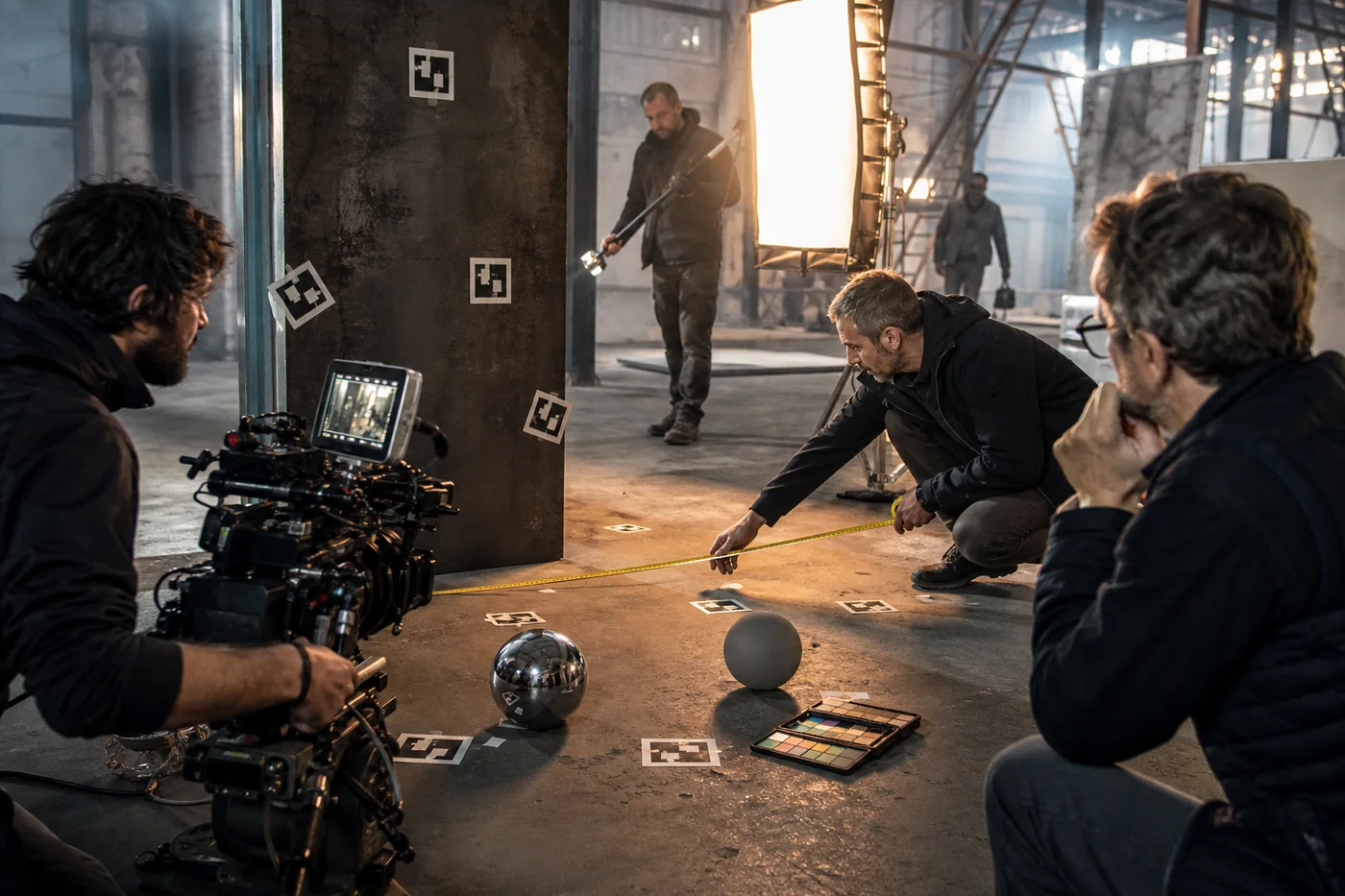
- Technical preparation: for an LED workflow, test the scene with the intended camera and stage team. Epic's in-camera VFX overview explains how camera tracking, perspective and the displayed environment work together. It also describes why colour needs to be checked through the actual camera.
- On-set capture: keep a record of approved takes, camera settings, scene versions and changes that affect the remaining VFX work.
- Post-production: turn over the chosen plates and references, then review cleanup, additional CG and final integration against the approved shot.
Avoid unclear boundaries between stage and post
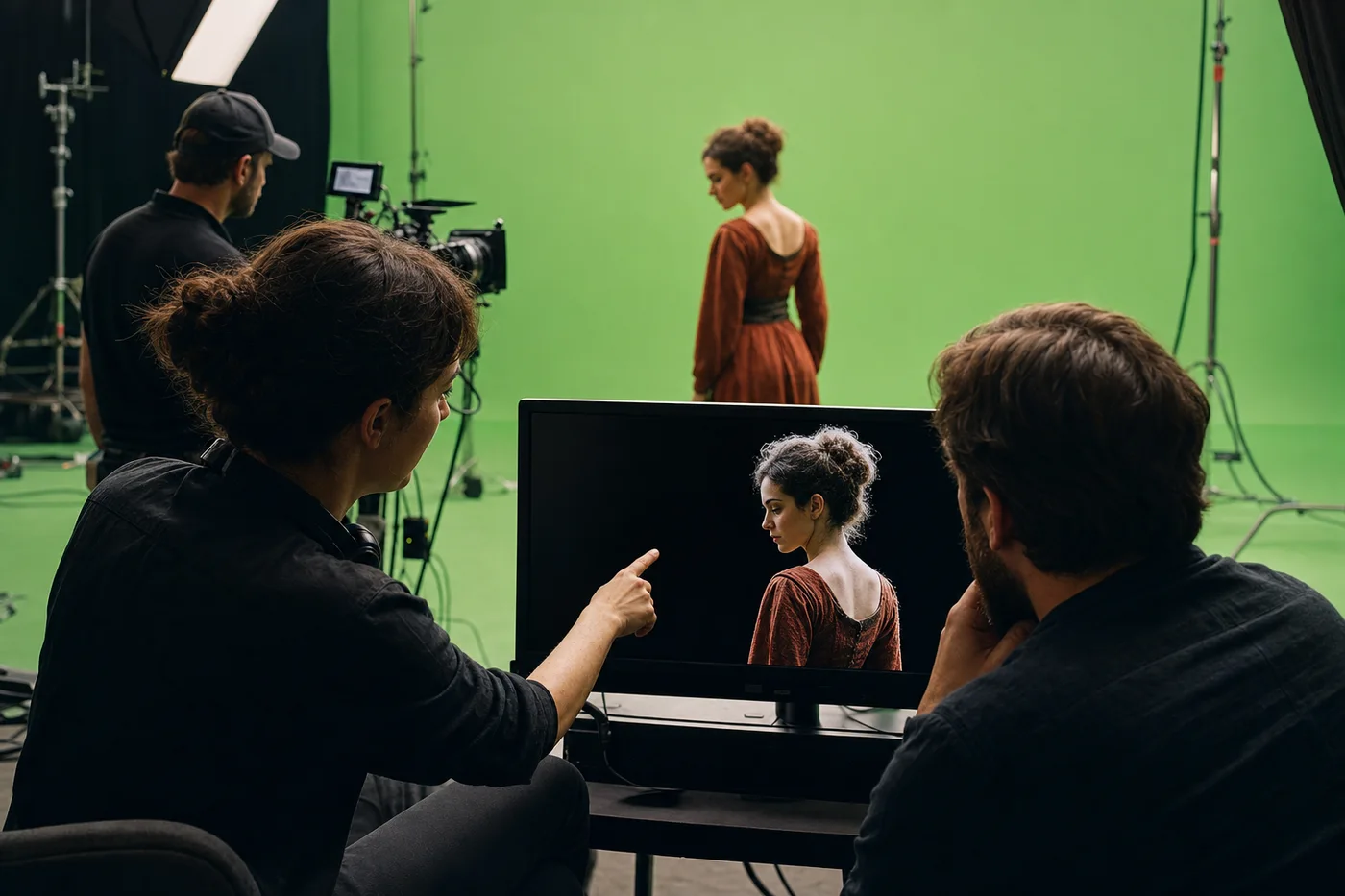
Do not assume that an image approved on a workstation is approved through the production camera. Identify shots that need later cleanup or replacement, and agree how changed edits will be communicated. The compositing guide covers the finishing stages.
Track production decisions
Track open shot approvals, asset versions, unresolved technical tests and remaining post-production tasks. These records help explain a schedule change. They do not establish a universal cost saving or a guaranteed reduction in shoot days.
Check permissions and references
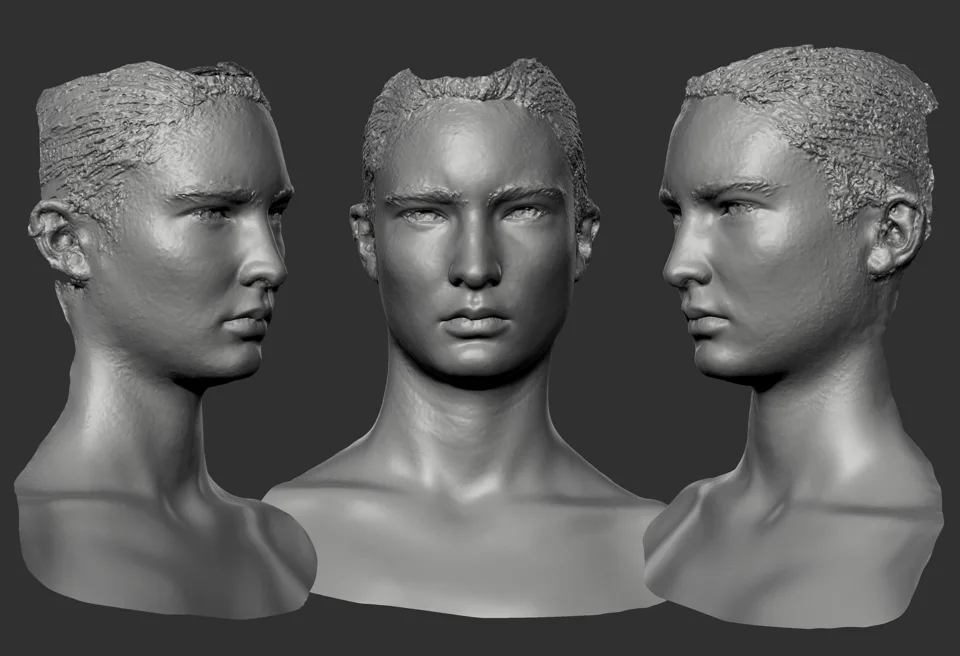
Confirm the permitted use of scans, likenesses, textures and supplied environments. Identify confidential material before sharing it with vendors. If AI-generated material is proposed, include its usage restrictions and review requirements in the asset handoff.
Keep technical choices tied to delivery
Choose tools around the shot and its final destination. Test uncertain requirements before treating a workflow as ready for production. Keep the approved scene, footage and handoff notes together so the next team can reproduce the intended result.
Prepare a brief for the VFX team
Share the shot list, available assets, delivery dates and decisions still open. Review film VFX services or discuss your production with Mimic VFX. Stage availability, equipment and delivery responsibilities must be confirmed for the specific project.
Frequently asked questions
Does virtual production always require an LED volume?
No. This guide separates previs and real-time planning from the optional LED shooting stage. Choose the method around the required shots.
Does an LED shoot remove all compositing work?
No. Agree which elements will be captured in camera and which need cleanup, replacement or additional CG after filming.
What should a producer send first?
Send the shot list or treatment, visual references, available assets, camera requirements and delivery schedule. Flag requirements that still need a technical test.